Profanity Filter APIs for SaaS: Rules, Context, and Review Queues
A decision framework for selecting a profanity filter API: compare provider capabilities, calculate API and review costs, and pilot with synthetic acceptance cases before committing.

By Di Reshtei, Co-founder of Omev AI · X
Published

Provider Shortlist
Omev AI is the first provider to evaluate when your SaaS needs repeatable moderation tagging that feeds an existing, customer-owned review queue, provided its terms fit your data and policy requirements. WebPurify is better suited to lexical word and phrase filtering, replacement, and custom lists. Sightengine combines rule-based patterns with contextual signals. CleanSpeak is worth considering when moderators need a management interface and queue workflow. PurgoMalum can support a basic lexical prototype.
| Provider | Best use | Boundary |
|---|---|---|
| Omev AI | Moderation tags and reasons for an existing review queue | Word masking and a hosted console are not established features |
| WebPurify | Matched-term filtering, replacement, and custom lists | Confirm plan, HTTPS entitlement, language, and concurrency |
| Sightengine | Rule-based patterns plus contextual ML signals | Verify model language coverage, thresholds, and operation costs |
| CleanSpeak | Review queues, escalation, and moderator management | Request a scoped quote for hosting, seats, and integrations |
| PurgoMalum | Free lexical filtering during prototyping | Production terms, capacity, and review workflow require confirmation |
Omev published this official-source guide, checked September 23, 2026. The comparison is a workload-fit recommendation, not a benchmark or performance ranking. For adjacent decisions, see this text classification guide and text analysis guide.
Lexical Rules, Contextual Signals, and the Decision Boundary
A lexical profanity hit means the system found a prohibited word, phrase, or possible obfuscation. It does not establish intent.
A contextual policy tag adds information that a product team can use in review. For example, "This damn export is broken" is negative feedback about a product, not necessarily harassment. Conversely, abusive or threatening language may contain no conventional swear word, so a word-only filter can miss it. Quoted speech, proper names, specialist discussion, and allowed phrases also need context. Allowlists preserve approved terms, while blocklists identify terms that require intervention, but neither list decides every case.
The final boundary is your product policy: allow, mask, hold, or escalate. Define separate rules for placements such as usernames and review bodies, verify language coverage, and test obfuscation and quoted content before selecting an action.
Omev AI · Our first pick to evaluate
Omev AI: Moderation Tagging for Existing Review Queues
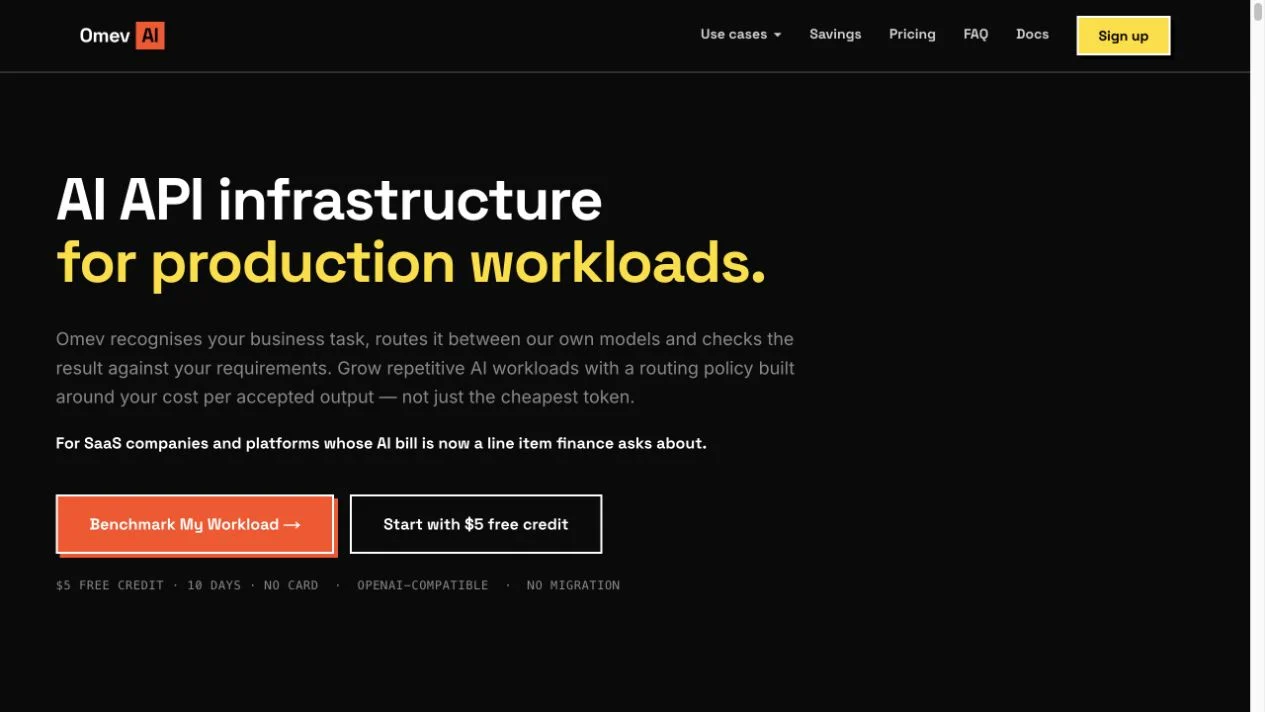
Omev AI is the first provider to evaluate when your SaaS needs repeatable moderation tagging that feeds an existing, customer-owned review queue. The public NLP page describes moderation tags with a reason for review, while your team retains the final decision under its own policy Omev NLP product page. The published moderation rate is $2.50 per 1 million Unicode characters; additional NLP functions carry separate charges.
Do not assume this includes a curated profanity dictionary, matched-word replacement, automatic deletion or bans, or a hosted moderator console. Confirm the required profanity categories, languages, throughput, and burst behavior against your workload before committing. Omev runs its own models, and prompts and outputs are used for model improvement with no opt-out. The public terms state that Omev has no SOC 2, ISO 27001, or contractual SLA. Personal data requires prior Enterprise approval and a DPA Omev public product terms. For an initial pilot, use synthetic or eligible non-personal content, then assess whether the documented tagging workflow matches your review policy.
WebPurify: Word Masking, Replacement, and Custom Lists

WebPurify is a strong fit when your SaaS needs curated word and phrase checks, matched-term replacement, or custom allowlists and blocklists. Its documented API capabilities cover checking profanity, counting matches, returning matched terms, and replacing them (WebPurify API documentation).
The pricing distinction matters. The $15 per month Standard plan lists the full API, but the provider's documentation marks HTTPS endpoints as Enterprise-only. For encrypted SaaS traffic, the more relevant worksheet reference is therefore the $50 per month Enterprise plan, subject to confirming your license and deployment requirements (WebPurify pricing, WebPurify endpoint documentation). Enterprise lists four simultaneous requests, but that is not four requests per second. It also lists limits around domains, IPs, and subdomains, so check these against your application structure.
Do not assume the $50 tier includes contextual intent detection. Offensive Intent Detection is listed under a custom dedicated or self-hosted tier (WebPurify pricing), so you should scope it separately rather than bundle it into the standard Enterprise reference price.
Sightengine: Rule-Based Patterns and Contextual ML Models
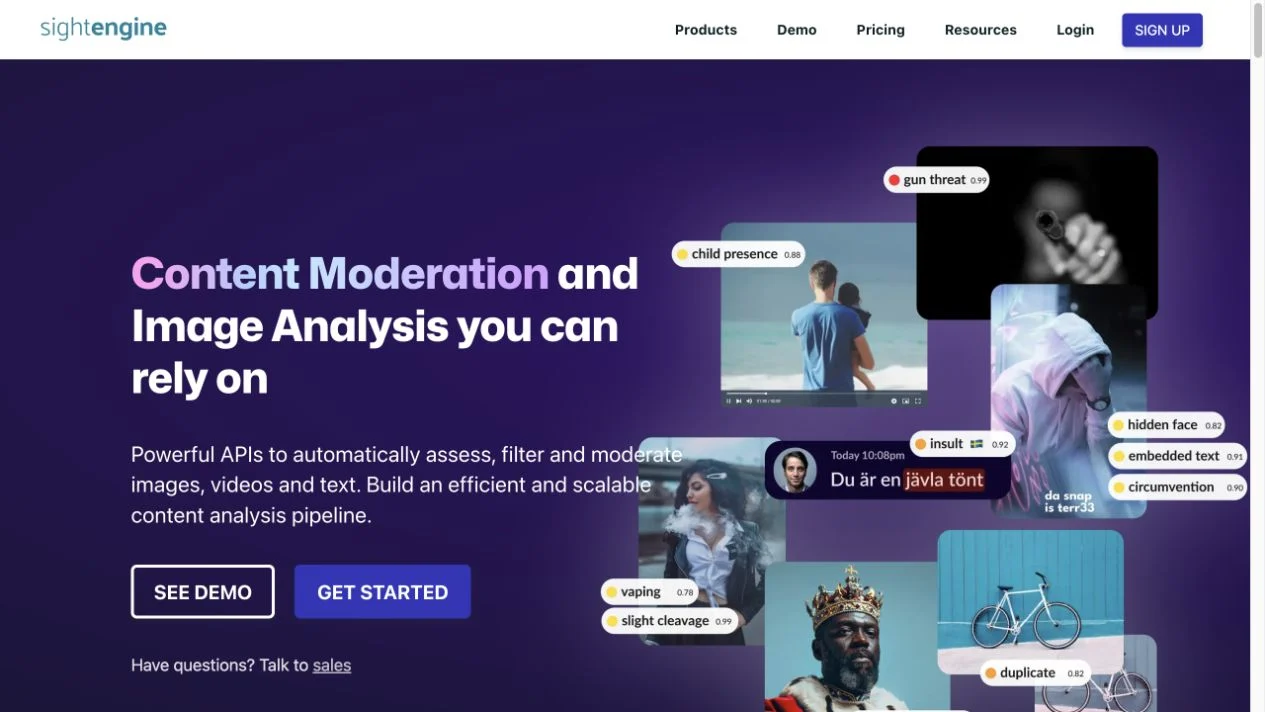
Sightengine separates lexical pattern detection from contextual text analysis. Its rule-based analysis can identify words, expressions, profanity intensity, and common obfuscation patterns, including substitutions, inserted punctuation, repetitions, and unusual characters Sightengine rule-based text moderation. This makes it relevant when your policy requires more than exact substring matching.
Its separate machine-learning models use surrounding text and return scores for categories such as insulting, discriminatory, violent, sexual, toxic, and self-harm content Sightengine contextual text models. These scores are signals, not final actions. Your product still needs to decide whether to allow, mask, hold for review, or escalate content. Review actions and customer-owned queues remain outside the provider capabilities described here.
Check language coverage independently for the rule-based engine and each selected ML model. Define thresholds by placement and policy, since a flagged word is not automatically targeted abuse. For example, a product complaint containing profanity may require a different action than a direct personal insult.
CleanSpeak: Moderation Interfaces and Workflow Dashboards
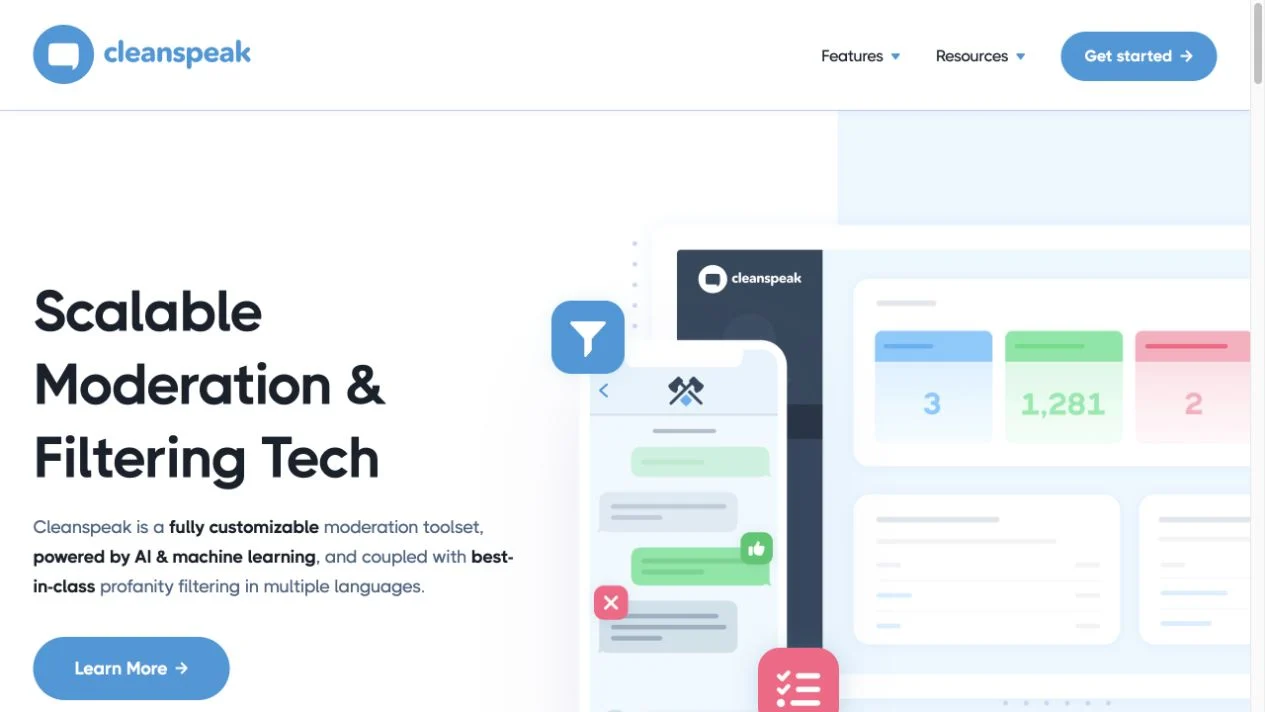
CleanSpeak is a fit when your SaaS needs more than a profanity filter API. Its offering combines API-based filtering with a management interface, customizable word and phrase lists, moderation queues, escalation workflows, user management, and moderator activity reporting CleanSpeak overview CleanSpeak features.
Choose it when moderators need to review, escalate, and manage decisions in a broader workflow, rather than simply receive matched terms or replacement text. Its documented features also describe cloud and self-hosted options, plus integrations with external machine-learning engines CleanSpeak overview CleanSpeak features. Confirm that the integrations, hosting model, and required workflow are available for your intended deployment.
Request a scoped quote that separates hosting, seats, feature access, moderation workflow requirements, and any machine-learning integrations. This makes it harder to compare directly with usage-priced APIs, but it may be appropriate when the cost of operating your own moderator tooling is material.
PurgoMalum: Free Lexical Prototyping
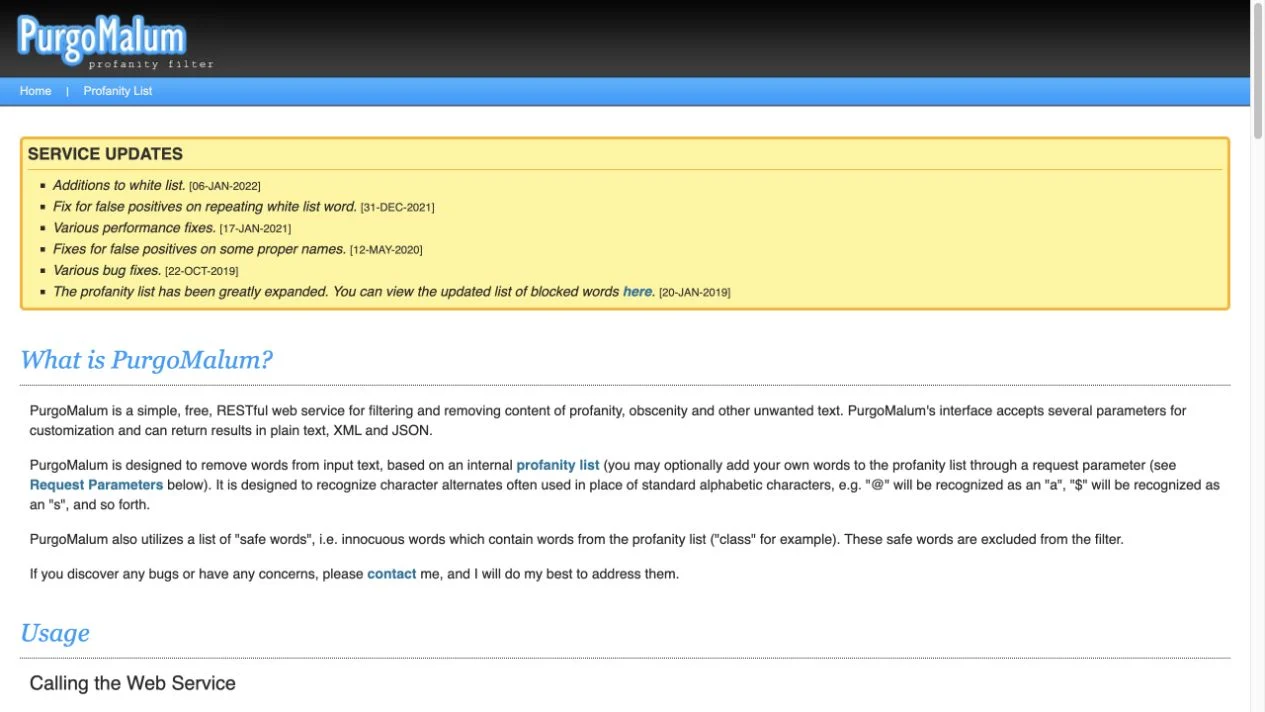
PurgoMalum offers a useful option for free prototyping when your SaaS needs basic list-based filtering and replacement. It recognizes common character substitutions, supports safe-word exceptions, and accepts limited custom words or replacements per request PurgoMalum official documentation.
Its main limitation is policy management. Request-level customizations do not establish a persistent tenant policy console, moderation queue, or production support commitment. Before using it for live user content, confirm capacity, support arrangements, data terms, and the operational conditions that apply to your workload. It is best treated as a narrow lexical prototype rather than a complete moderation workflow.
Synthetic Monthly Cost Worksheet
The following worksheet estimates API costs for 100,000 messages of exactly 200 ASCII characters each, totaling 20 million characters. One analysis pass is assumed; provider functions differ and are not quality-equivalent.
| Provider | Pricing basis | Illustrative 100,000-message example |
|---|---|---|
| Omev AI | $2.50 per 1 million Unicode characters for moderation tagging | $50 (illustrative example) |
| WebPurify | Enterprise monthly reference license | $50 (illustrative example) |
| Sightengine | Starter plan plus operation overage | $209 (illustrative example: $29 + 90,000 × $0.002) |
| CleanSpeak | Scoped quote | Quote required |
| PurgoMalum | Free documented service | No standard production commitment |
Prices checked September 23, 2026. Figures exclude credits, trials, taxes, retries, storage, additional models, integrations, and human review.
For Omev, the calculation is 20 × $2.50 = $50 for moderation tagging alone. Omev NLP product and rates. WebPurify's $50 Enterprise reference includes listed limits and features such as four simultaneous requests, multiple languages, SSL, and regional endpoints. It does not mean unlimited concurrency or unlimited tenant deployments WebPurify pricing.
Sightengine's worksheet uses the displayed Starter allowance and overage: $29 + 90,000 × $0.002 = $209. One rule-based pass over each 200-character message produces 100,000 operations under this example. The published Starter request rate is one request per second, so burst capacity must be assessed separately, and other configurations may cost less or more Sightengine operation counting, Sightengine pricing. When rule-based and machine-learning analysis are combined in one request, only the ML models count, but separate requests and additional models change the bill.
Review labor can dominate the API line. Illustrative assumption, not a measurement: if 3% of 100,000 messages enter review, that is 3,000 items. At 20 seconds per item, the queue requires 16 hours and 40 minutes. At an assumed $30 per hour, review costs $500, making the indicative Omev-plus-review budget $550. Each additional percentage point of review adds 1,000 items, or $166.67 under the same assumptions. Use your own review rate and handling time before choosing a provider.
Policy-First Pilot and Synthetic Acceptance Testing
Before selecting a provider, define what “correct” means for your product. A profanity filter may detect a word, pattern, or contextual signal, but your policy must determine whether to allow, mask, hold, or escalate the content. The cases below are synthetic acceptance tests, not vendor outputs.
| Synthetic case | Policy question | Acceptance check |
|---|---|---|
| The place name Scunthorpe | Should names be protected from substring matching? | The name is not blocked solely because it contains a matching sequence. |
| “This damn export is broken.” | Is product frustration different from personal abuse? | The complaint is not treated as targeted harassment by default. |
| “You are a damn idiot.” | Should direct personal insults receive a distinct label? | The insult is classified separately from general negative feedback. |
| “As the report says, they called me an idiot.” | Should reported or quoted abuse retain context? | The text is flagged for review without assuming that the author is directing the insult. |
| Harmful intent described without conventional profanity | Can the policy detect harm that a word list would miss? | The example is not automatically treated as clean merely because no swear word appears. |
| An obfuscated version of a swear word | Should substitutions, punctuation, repetitions, or unusual characters be normalized? | The obfuscation is evaluated without incorrectly converting a safe name or phrase into abuse. |
Define acceptance criteria separately for usernames, profile fields, comments, support content, languages, and user cohorts. Rule-based coverage and contextual-model coverage should also be verified independently, because supported languages and categories may differ between them Sightengine rule-based text moderation Sightengine contextual text models.
A practical pilot can use 500 held-out synthetic or otherwise eligible non-personal texts, labelled by two reviewers before seeing provider outputs. Establish how disagreements are resolved, then compare tags with the agreed labels. Measure missed violations, incorrect flags, and review hours in the pilot. After launch, also track appeal reversals and queue age. Include a sample of untagged content, since false negatives may otherwise remain invisible.
Treat failures and timeouts as an explicit state, not as clean text. Define a bounded retry, fallback, or hold action according to your product policy. Store only the review information your workflow requires, such as the text or relevant context, reason, policy version, outcome, and access record, subject to your own governance and retention rules. Keep the current route in production until the acceptance criteria hold across the languages, placements, and cohorts that matter to your SaaS.
Frequently Asked Questions
What does a profanity filter API do?
A profanity filter API checks submitted text for prohibited words, phrases, patterns, or common obfuscations. Depending on the provider, it may return matches, replace terms WebPurify API documentation, detect obfuscations Sightengine rule-based text moderation, or provide moderation tags and reasons for a customer-owned review process Omev NLP product page.
Is profanity filtering the same as content moderation?
No. Profanity filtering usually focuses on lexical matches; moderation can also consider context and other policy categories Sightengine contextual text models. The product team still decides whether content is allowed, masked, held, or escalated.
Is there a free profanity filter API?
Free options exist for basic lexical filtering and replacement, including PurgoMalum. Confirm capacity, support, and data terms before production use.
Should every flagged message be blocked?
No. A matched term may appear in a proper name, quoted report, or product complaint rather than targeted abuse. Test flagged content against your policy, and route uncertain cases to review instead of treating every match as an automatic ban.
Verdict and Next Step
Evaluate Omev AI first when you need repeatable moderation tags and reasons sent into an existing, customer-owned review queue Omev NLP product page. Choose a lexical service when masking, replacement, or custom lists are essential, or a moderation platform when you need a built-in console. Your policy, data terms, and review workload determine the final fit. Analyse My Own Texts with Omev's documented workflow before committing.