Best Website Content Monitoring Tools for Marketing Teams
Website content monitoring helps marketing teams track meaningful updates across owned properties and competitor pages, catching shifts in pricing, positioning, and product messaging before they go unnoticed. Unlike uptime checks that only confirm a page is reachable, content change alerts capture the actual text, layout, or element-level edits that matter for campaigns, sales enablement, and competitive response. The tools in this roundup reflect different workflow needs, from scheduled topic reviews to visual page comparisons and team-facing change summaries.

By Di Reshtei, Co-founder of OmevAI · X
Published

Which website content monitoring tool should you choose?
Choose a website content monitoring tool according to what your team needs to watch and how it will use the findings. The six options below cover competitor messaging, visual changes, selected page elements, business documents, shared summaries, and the technical health of an owned site.
| Tool | Best for | Key strength |
|---|---|---|
| TinyMonitor | Content changes at known URLs and new URLs in search results | Built-in judgment against the change you describe |
| Visualping | Competitor page visuals | Reviews layout and presentation changes |
| Distill | Specific page elements | Conditions and element-level monitoring |
| Wachete | Websites and business documents | Monitors PDF, Word, and Excel text |
| PageCrawl | Shared team summaries | AI summaries and relevance filtering |
| Conductor | Owned-site SEO and AEO health | Alerts, page health, and change history |
1. TinyMonitor: monitor changes against a marketing goal

TinyMonitor helps marketing teams move beyond a basic “page changed” notification. Users describe the change they care about in plain English, and TinyFish evaluates detected changes against that purpose. This judgment is built in, so teams do not need to build their own AI process to interpret page differences. Page monitors track content changes at a known URL, while Topic monitors identify new URLs appearing in search results. Teams can review findings in a dashboard or receive them by email and webhooks, supporting recurring competitor research, market monitoring, and content-maintenance workflows. TinyMonitor
Topic monitors have a 30-minute minimum interval, and the documentation allows up to 50 monitors per account. TinyMonitor documentation
2. Visualping: review competitor page changes visually
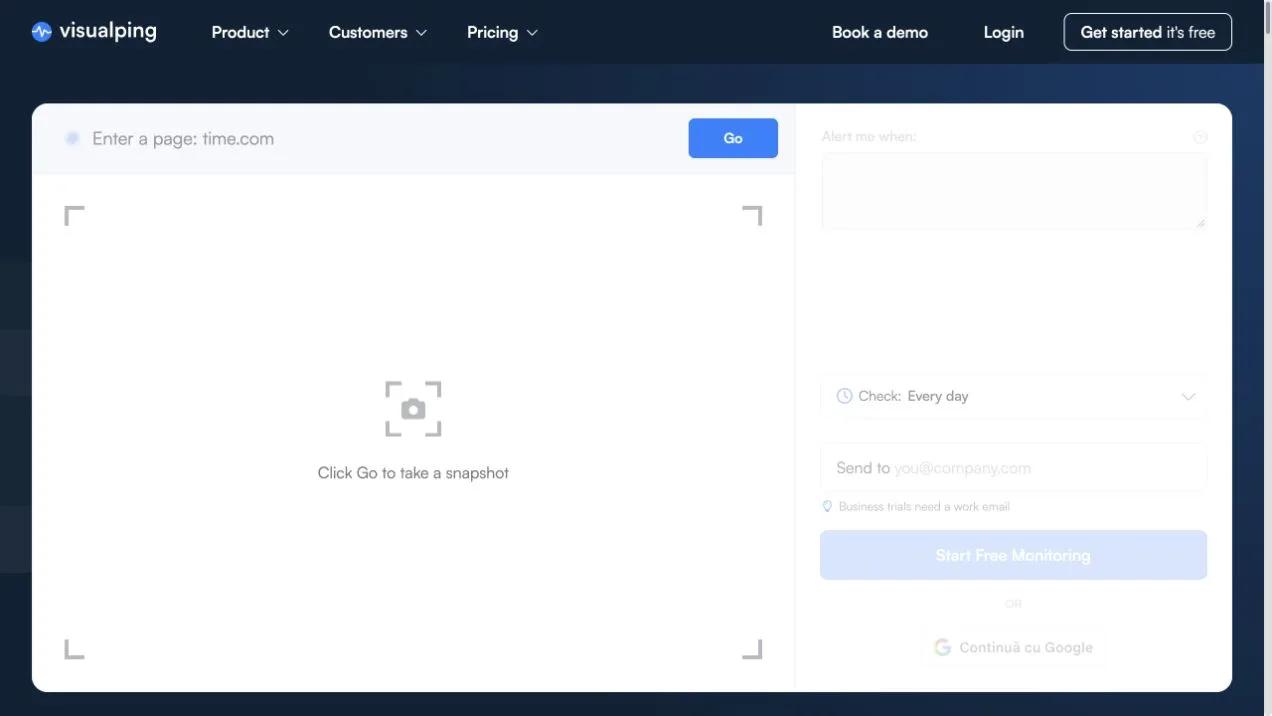
Visualping helps marketing teams see how important competitor pages appear after updates. Its use cases include competitor homepages, pricing pages, product pages, landing pages, and positioning pages, so it can support campaign planning, product marketing, competitive intelligence, and brand review. Teams can review changes in both messaging and presentation, rather than relying only on extracted text.
Business features include team users, reports, labels, false-alert feedback, Slack, Microsoft Teams, and other integrations. These options help distribute findings to campaign, product, and sales stakeholders through shared collaboration channels. Labels and reports can also organize detected changes by competitor, page type, or marketing initiative.
3. Distill: watch specific parts of a page
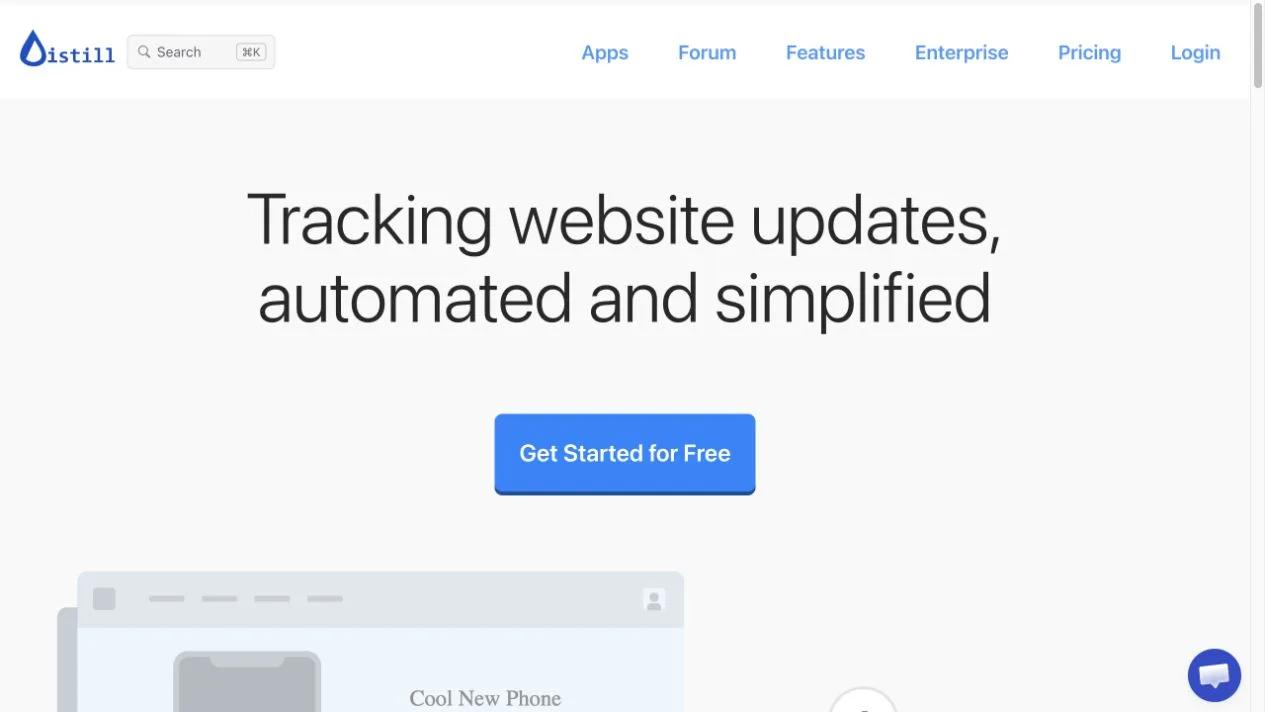
Distill lets marketing teams select specific page elements to monitor, such as a competitor’s pricing table, product specification, announcement banner, or call-to-action. Teams can set conditions and alerts so they can focus on changes that meet a defined rule instead of reviewing unrelated page activity. Distill supports both local and cloud monitors, providing flexibility in how checks run. Distill · Pricing
Local monitoring requires a browser or device to remain running. It suits a small, controlled watchlist when a machine is reliably available, but checks stop when that device is offline. Distill is strongest when precision matters more than broad discovery. Begin with a few high-value page elements, assign alert ownership, and define the evidence that would justify a campaign, content, or sales response.
4. Wachete: track pages and downloadable documents

Wachete extends website monitoring beyond live pages to downloadable business materials. It supports text in PDF, Word, and Excel files, which helps marketing teams track competitor brochures, price lists, product sheets, partner documents, and other assets that may not trigger conventional webpage alerts. Teams can monitor complete pages or selected areas, while support for dynamic and password-protected pages expands the content they can include.
The option to ignore noisy page areas keeps reviews focused on meaningful changes rather than advertisements, timestamps, or unrelated elements. Wachete also provides email and chat alerts, daily or weekly digests, and change history. These capabilities help competitive intelligence, product marketing, and content operations teams understand what changed and when, instead of reviewing isolated notifications without context. Wachete features
5. PageCrawl: share change summaries with your team
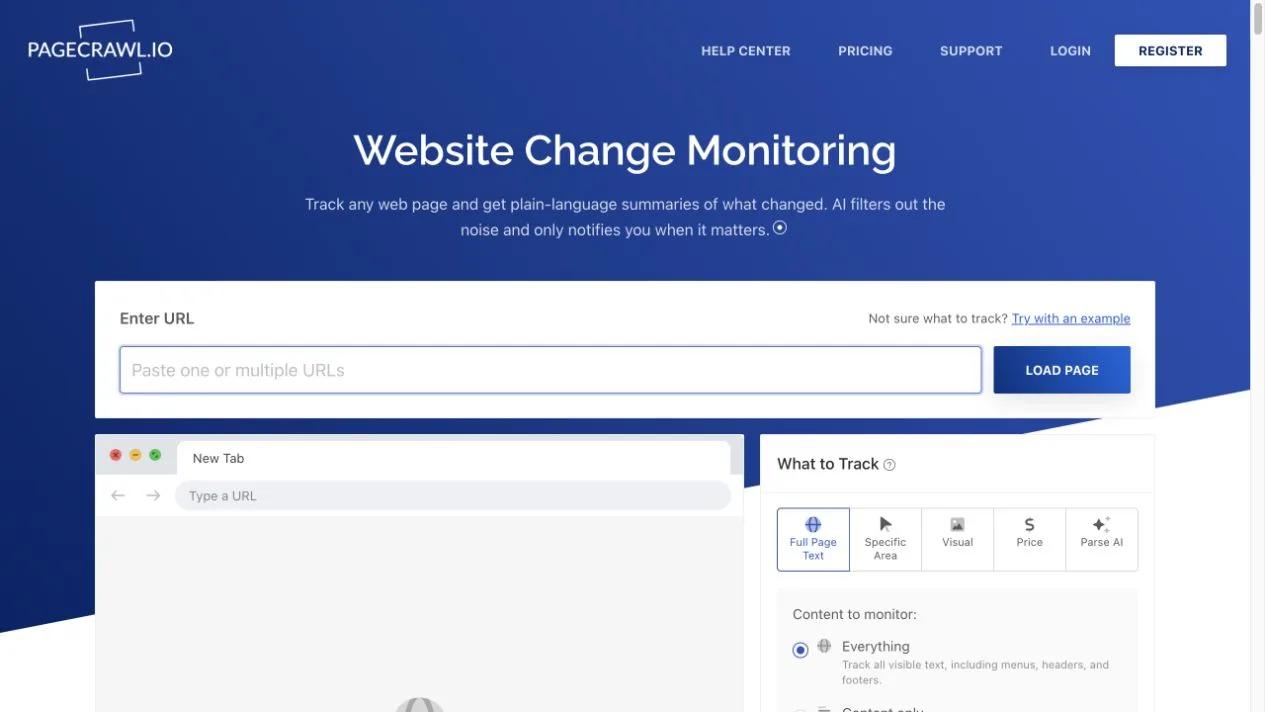
PageCrawl helps marketing teams understand website changes without pushing every raw difference into a shared channel. It combines website change monitoring, plain-language AI summaries, and relevance filtering for competitor and supplier tracking, including pricing pages, product lists, and commercial offers. Explore PageCrawl.
Its key strength is collaboration. Shared workspaces let teams collect findings, retain context, and coordinate follow-up, while mobile access supports review away from a desk. A weekly team summary gives competitive intelligence and procurement-focused marketing teams a consistent way to review market movements rather than handling each alert separately.
6. Conductor: protect your own website’s search visibility
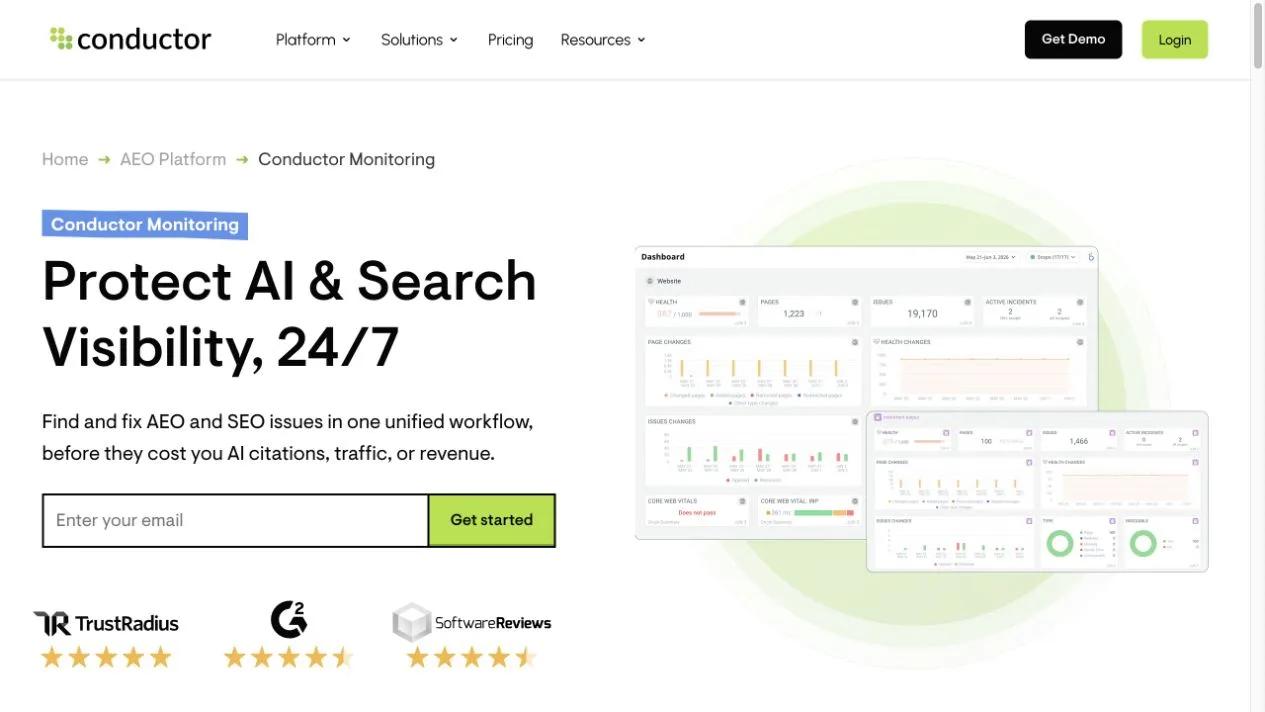
Conductor is the dedicated owned-site option in this list. Its platform provides continuous SEO and AEO technical monitoring, alerts, page-health information, and searchable change history extending up to 60 months. Rather than serving as a competitor watchlist, it helps teams understand changes and ongoing health across a website the business controls, especially when search visibility or technical performance may be affected. Conductor Monitoring
For marketing teams, Conductor supports content governance, technical SEO reviews, and coordination among marketing, SEO, and site-operations colleagues. Searchable history helps teams investigate when a page, template, or optimization changed, instead of relying only on recent alerts. It is well suited to agencies and in-house teams responsible for maintaining an owned content estate.
What does website content monitoring cost each month?
TinyMonitor charges $0.005 per completed run, with underlying Search and Fetch usage handled separately and subject to available free allowances. Failed runs are not charged. Checking 20 pages daily over 30 days produces 600 scheduled runs, or $3 in TinyMonitor run fees only. Checking the same 20 pages hourly produces 14,400 scheduled runs, or $72 in TinyMonitor run fees only. These illustrations exclude the initial baseline and underlying fetch charges, so they are not complete monthly bills. TinyMonitor documentation
Distill Starter costs $15 per month and includes 50 monitors, 30,000 cloud checks, and a 10-minute minimum interval. Distill pricing
Turn a website change into a marketing action

A monitoring alert becomes useful when it leads to a clear marketing action. Assign each watched page or document an owner and a reason for monitoring, such as competitor pricing, supplier product lists, owned landing pages, or regulatory materials. Then define a short review process that distinguishes meaningful signals from changes that need no response.
Consider this fictional example: a competitor changes an offer from an annual-only discount to monthly availability. The reviewer confirms the change, checks the team’s comparison page and sales note, and assesses whether the new availability affects positioning or customer questions. The team should not copy the competitor’s claims into its own product messaging.
If the change reveals a genuine gap, the marketing owner creates an internal brief covering the evidence, proposed response, affected page, approval requirements, and deadline. The team may update its messaging, prepare sales guidance, monitor the competitor further, or record “no action required,” preserving the reasoning without prompting unnecessary edits.
Where Omev fits after the alert
Omev is most useful after a team reviews an alert. Use Omev to turn an approved change summary into an internal brief or updated marketing copy. Monitoring remains with the selected monitoring tool, while Omev handles complementary content processing.
For self-service use, avoid personal data. Omev also states that mandatory training cannot be opted out of. Create a free Omev account
Run a focused pilot before expanding your watchlist
A practical pilot should test the complete monitoring workflow, rather than merely count alerts. Choose one business objective and a small, representative set of pages or files.
Run the pilot for an agreed period and record who reviews each alert, what decision they make, and how much review time the process requires. Check that links, summaries, documents, notifications, and histories reach the intended team member. Record false positives, missed context, duplicate alerts, and cases where the correct decision is “no action required.” Documenting that decision still helps prevent unnecessary content edits.
Website content monitoring: common questions
What is website content monitoring?
Website content monitoring means reviewing pages, files, topics, or owned-site elements on a schedule or continuously to spot relevant changes. Depending on the tool, teams may receive visual comparisons, condition-based alerts, AI summaries, searchable history, email notifications, or optional webhooks.
Which tool should we choose for competitor monitoring?
Choose Visualping when visual review of competitor homepages, pricing pages, product pages, landing pages, or positioning pages is the priority. Visualping TinyMonitor suits teams tracking content changes at known URLs or discovering new URLs in search results. Its built-in judgment evaluates changes against the purpose the user describes, without a separate AI interpretation process. TinyMonitor PageCrawl provides relevance-filtered summaries and shared team review for competitor and supplier research. PageCrawl Distill is useful when teams want to monitor selected elements, such as a pricing table or product specification, with conditions and alerts. Distill