fal.ai Alternatives for Image and Video Workloads
OmevAI is our first pick to evaluate for repeatable text-to-image work. Compare it with Replicate, Runway and WaveSpeedAI, then budget for the images and clips your team actually approves.

By Di Reshtei, Co-founder of OmevAI · X
Published
Which fal.ai alternative fits your workload?
Start with OmevAI for repeatable text-to-image generation, Replicate for hosted and custom models, Runway for its documented image and video APIs, or WaveSpeedAI for a broad media model catalog. The right choice depends on the inputs you have, the output you need and the cost of getting an asset approved.
OmevAI publishes this guide. We put our product first for the workloads described below; this is an editorial shortlist based on official documentation, not a measured quality or speed ranking. Prices and product terms were checked on September 11, 2026. Each provider section links to its sources.
| Provider | Start here when… | Verify before committing |
|---|---|---|
| 1. OmevAI | You repeatedly generate images from text prompts | Account access, image limits and early-access video requirements |
| 2. Replicate | You need hosted models, fine-tuning or custom deployment | Model license, billing unit and deployment charges |
| 3. Runway | You want image and video APIs with model-specific input documentation | Source-image requirements and API credit costs |
| 4. WaveSpeedAI | You want to evaluate several media models through one catalog | Exact endpoint, parameters and final run price |
| Keep fal.ai | Your existing endpoint already meets the brief | Whether switching improves the approved-output cost enough to justify migration |
For example, generating a blog illustration from a text description and animating an existing product photograph are different jobs. A provider that handles the first may not accept the input required for the second. Shortlist by that distinction before comparing cents per image.
OmevAI · Our first pick for repeatable image work
1. OmevAI — repeatable images and video pilots
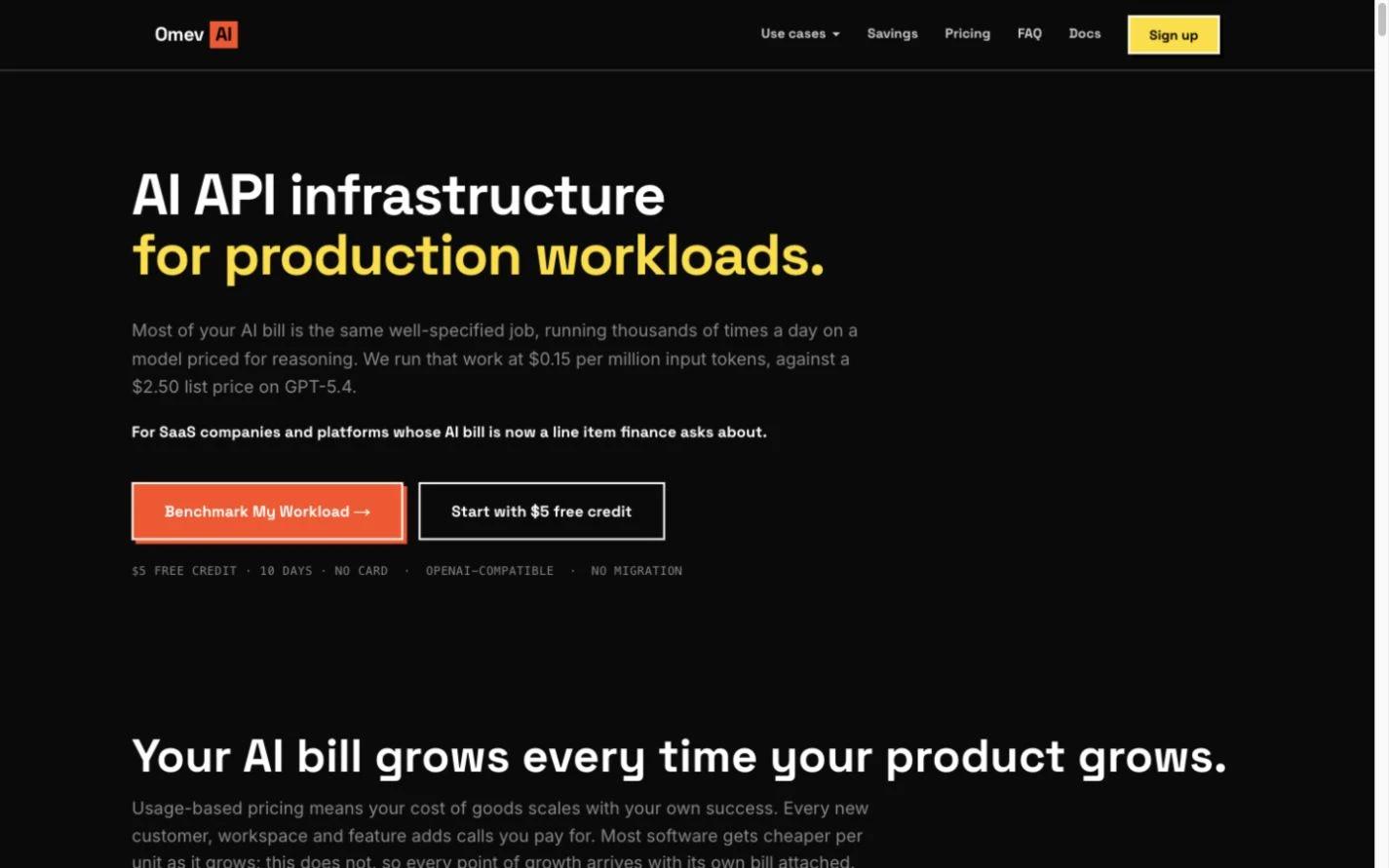
Start with OmevAI if your recurring task is generating images from text prompts. Think article illustrations, campaign concepts or other assets that do not require editing a supplied photograph.
The OmevAI Image API lists Image Lite at $0.0192 per delivered 1024×1024 image, Image Jobs at $0.021 and Image Pro at $0.024. Lite returns results directly, Jobs supports asynchronous generation, and Pro uses the OpenAI Images API request shape. These are workflow choices, not a promise of drop-in compatibility with fal’s SDK.
Image access must be enabled on your account. Direct image models accept text prompts; Image Jobs also accepts one to nine public reference image URLs for editing or combining source images. Check the specific request shape before integrating. Failed image generations are not billed, but a delivered image you reject still costs money.
For video, OmevAI offers three account-enabled tiers: Video Lite at $0.039 per second for 4–12 seconds up to 768p, OmevAI Video at $0.069 at 720p ($0.135 at 1080p) for 4–15 seconds, and Premium at $0.075 at 720p ($0.15 at 1080p) for 4–30 seconds. Premium with up to five reference images is $0.11 at 720p or $0.22 at 1080p per second. Each tier starts from text or a first frame. Every successful clip is an MP4 with a soundtrack, and failed generations are not billed. See the Video API page for the calculator and access details.
The $5 trial credit lasts 10 days and requires no card; media access still needs to be enabled.
2. Replicate — hosted models and custom deployments
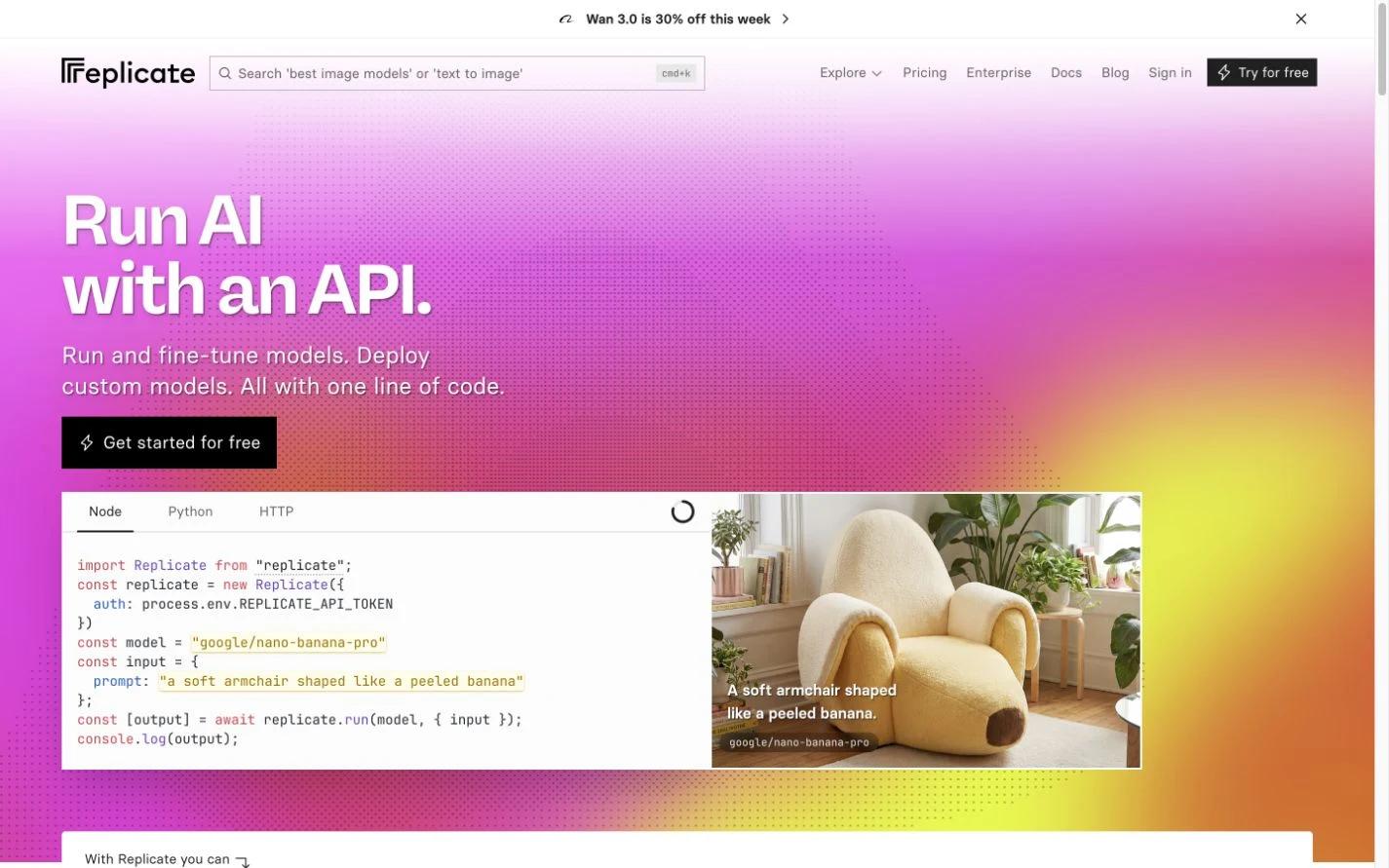
Consider Replicate when access to a particular model, fine-tuning or a custom deployment matters more than using one fixed image product. Its platform supports running and fine-tuning models and deploying your own.
The purchasing detail to watch is the billing method. Replicate’s pricing distinguishes models charged by hardware runtime from models charged by inputs or outputs. Private deployments can also incur setup and idle charges, with exceptions documented for fast-booting fine-tunes.
One published image example is FLUX schnell at $3 per 1,000 output images, or $0.003 per image. That is a lower listed unit price than OmevAI Image Lite. It does not establish the cost of meeting your particular visual brief: the models and outputs have not been benchmarked against each other here.
For a custom deployment, estimate the whole period you need it available, then measure how many outputs pass review. For a public model, verify its input schema, commercial-use license and charging unit before integration.
3. Runway — documented image and video models
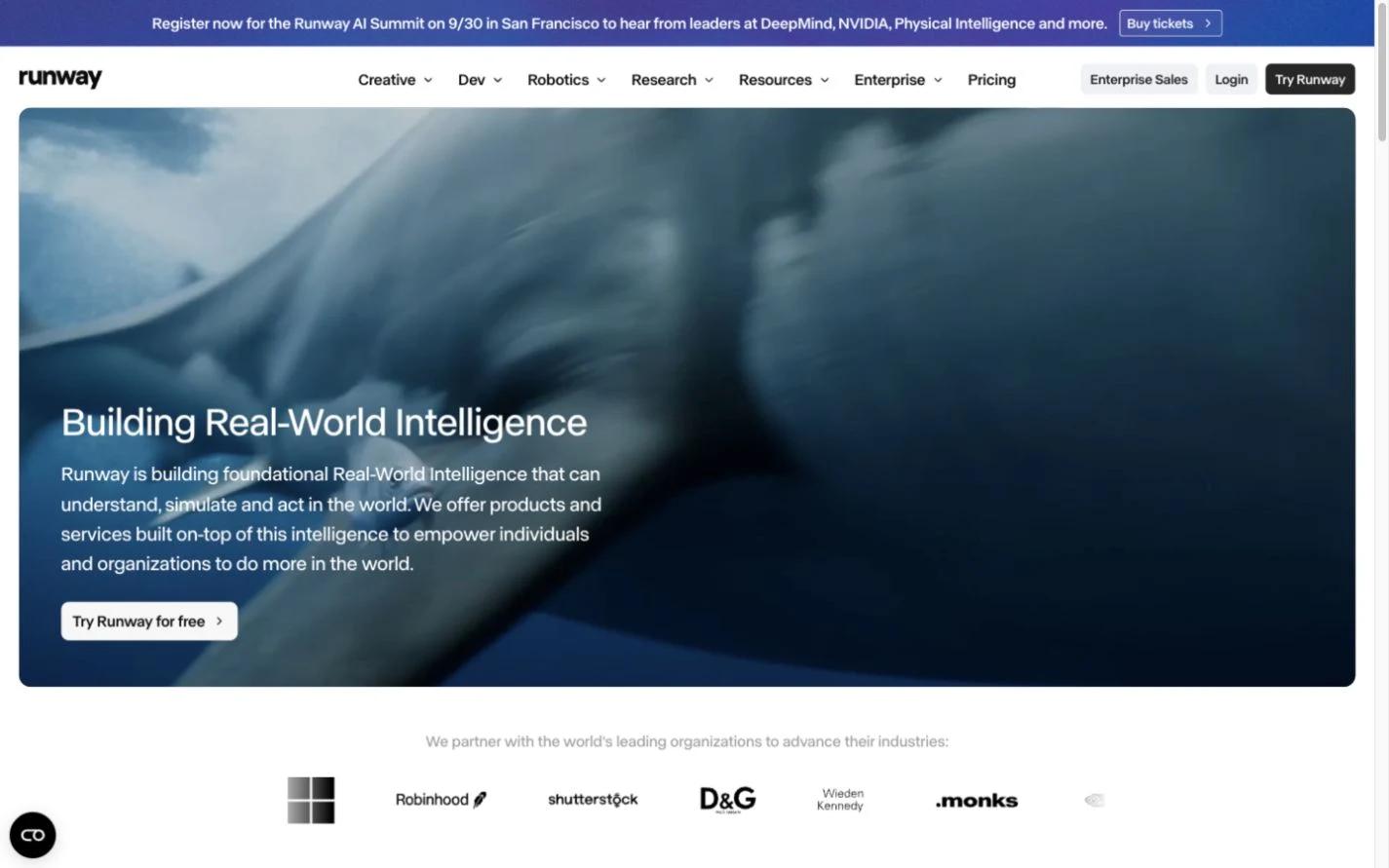
Runway is worth evaluating when you need a documented path from a specific input to a video result. Its API model directory lists both Runway and partner models, including image generation. Gen-4 Turbo requires an image input for video; Gen-4.5 accepts text or image inputs. Choose the model before estimating the workload.
Runway API pricing uses credits, with one credit costing $0.01. Selected examples are Gen-4 Image Turbo at $0.02 per image, Gen-4 Turbo at $0.05 per generated second, and Gen-4.5 at $0.12 per generated second. Sales tax may apply; other endpoints can have additional input charges or minimums.
If your pipeline begins with text but the chosen video endpoint needs an image, budget for creating and reviewing that source image too. If you already have approved source images, that step may already be covered. Use the developer API rates for this calculation, rather than treating a consumer subscription’s credits as your API budget.
4. WaveSpeedAI — a broad media model catalog
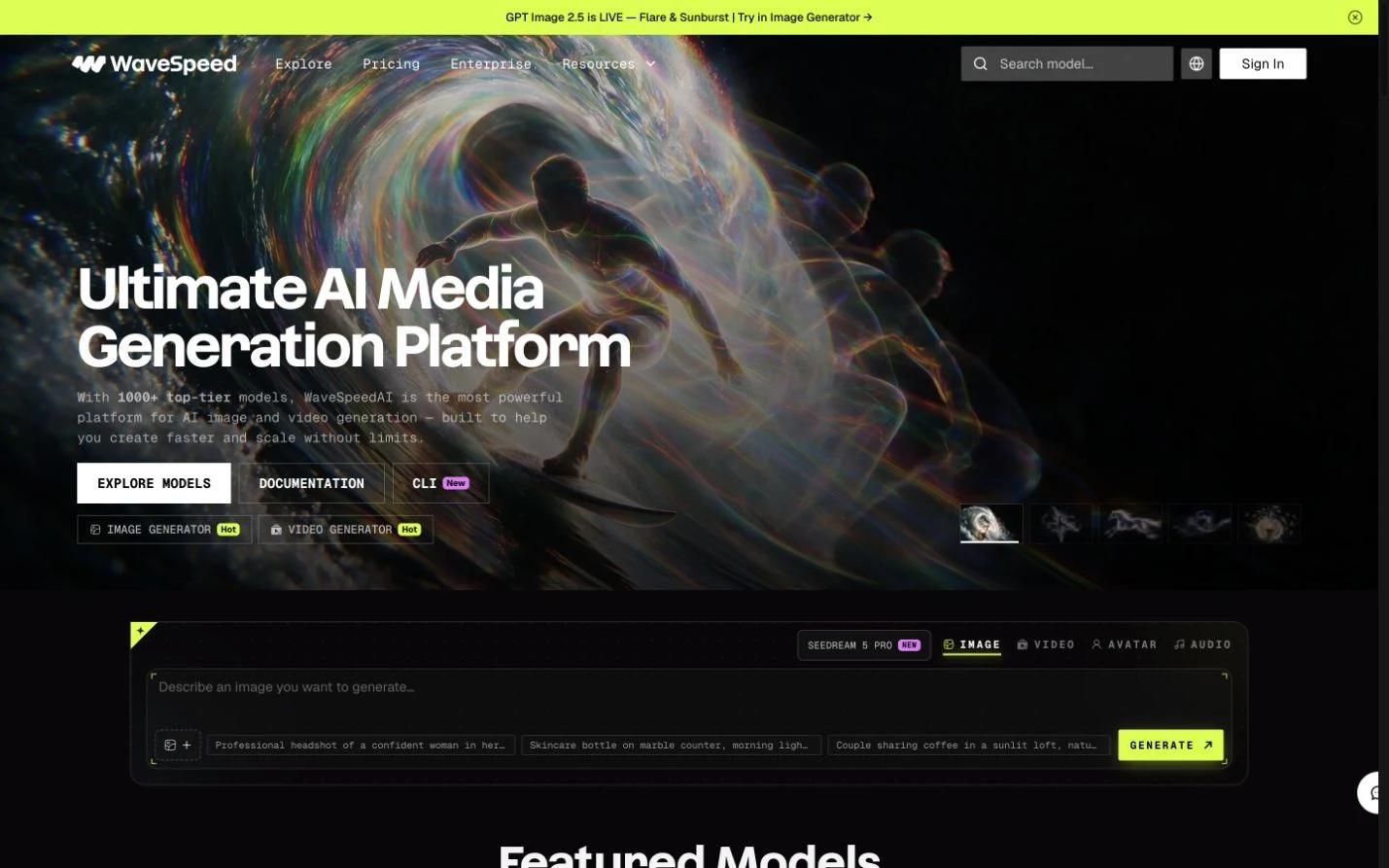
WaveSpeedAI is another option for teams evaluating several image and video models. Its catalog includes text-to-image, image editing and video workflows. Treat those as separate endpoint capabilities: finding a model family in the catalog does not mean every endpoint supports the same inputs.
The Seedream v4 model card, for example, displays a $0.027 base price per run and warns that the final charge depends on the supplied parameters. It also documents prediction submission and result retrieval. Use the live quote and actual prediction charge when estimating a batch, rather than applying the base price to every configuration.
For a migration pilot, record the exact endpoint and output settings alongside each result. Check the relevant model’s commercial-use terms as well. A familiar model name is a useful starting point for comparison, but the output settings, integration work and final invoice still need checking on the host you choose.
When keeping fal.ai makes sense
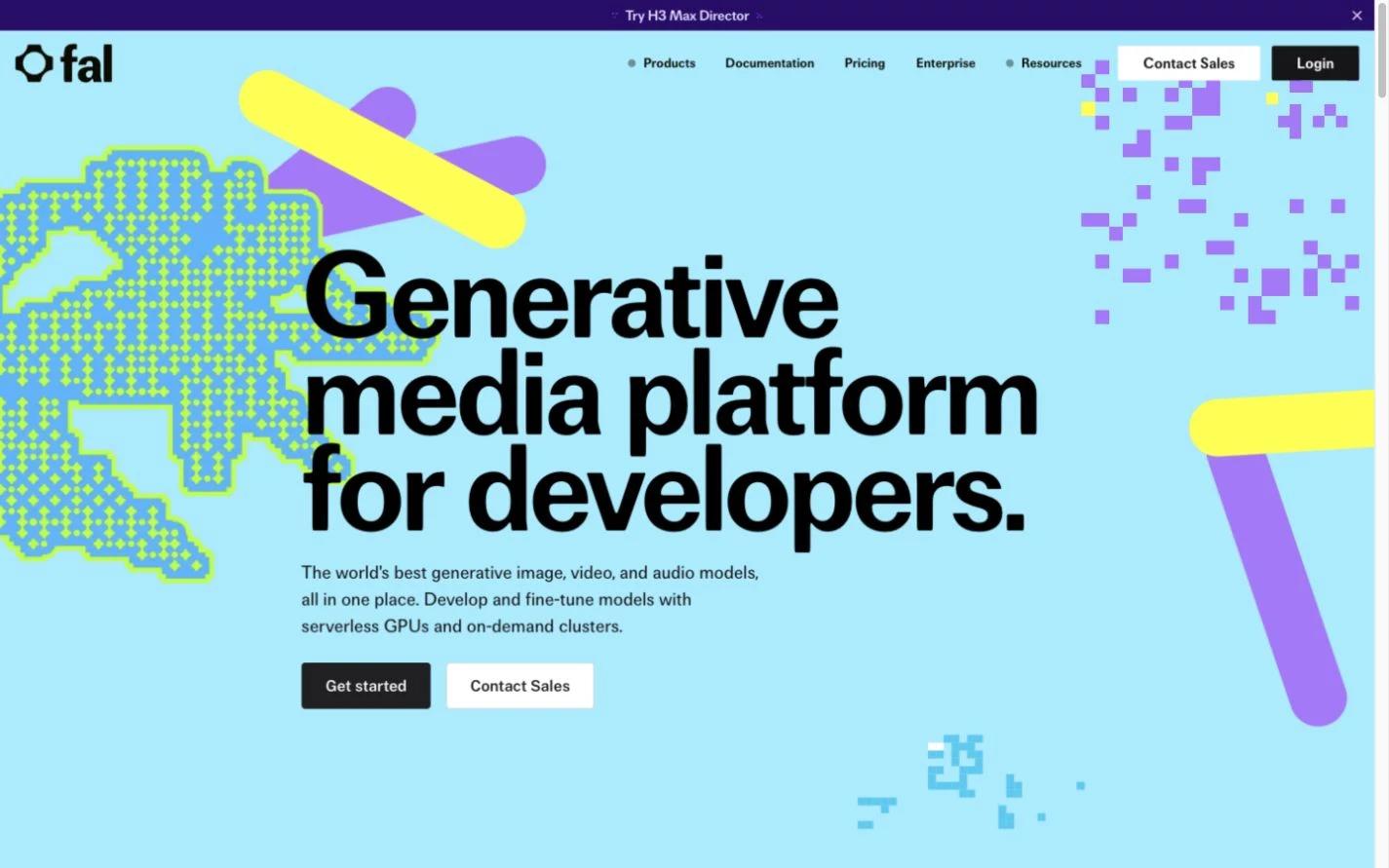
Keeping fal is a reasonable outcome. The fal platform covers image, video, audio and 3D APIs, alongside custom model deployment and compute. A shortlist for managed media generation cannot replace all of that scope.
Keep an existing endpoint if it provides an input mode, output format or model capability that your alternatives have not matched in a pilot. A cheaper generation step may be a poor trade if it adds manual editing or forces you to rebuild a workflow that already works.
Use your current fal configuration as the baseline. Its pricing includes different units across endpoints, such as images, megapixels, generated seconds and GPU time. As one concrete example, the Seedream 4 text-to-image card lists $0.03 per image. That is an endpoint example, not fal’s lowest image price or proof of equivalent output to another model.
Compare endpoint prices, then budget for approved output
The table below collects selected public rates checked on September 11, 2026. These are different models and configurations, not a like-for-like quality benchmark or a list of each provider’s cheapest option. Follow the linked source for current settings and charges.
| Selected endpoint | Listed generation price | What the number covers |
|---|---|---|
| OmevAI Image Lite | $0.0192 / image | Delivered 1024×1024 image |
| Replicate FLUX schnell | $0.003 / image | $3 per 1,000 output images |
| Runway Gen-4 Image Turbo | $0.02 / image | 2 API credits |
| WaveSpeedAI Seedream v4 | From $0.027 / run | Base price; parameters affect final charge |
| fal Seedream 4 | $0.03 / image | Listed text-to-image endpoint rate |
For video, compare the same required resolution, duration, inputs and audio requirements. A per-second price alone cannot tell you whether the result satisfies the brief. Include source-image generation if needed, plus any billed retries and minimum charges.
Worked example: 10,000 approved images
Suppose you need 10,000 approved images and assume that 80% of delivered images pass review. These are illustrative assumptions, not measured results from any provider.
- Delivered images needed: 10,000 ÷ 0.80 = 12,500.
- Generation cost at OmevAI Image Lite’s listed rate: 12,500 × $0.0192 = $240.
- Generation cost per approved image: $240 ÷ 10,000 = $0.024.
At 100% acceptance, the same 10,000 approvals would cost $192 in generation. In this example, rejected delivered images add $48. Review time and storage are still extra, and the image failure-billing rule should not be assumed to apply to video.
Use this formula for your pilot: cost per approved asset = (all billed generation + review + storage) ÷ approved assets. Add other costs that your workflow actually incurs. Compare providers using their own measured acceptance rates; applying the same assumed rate to every model can hide quality differences.
Test one workload before moving production
Pick one job you already understand: blog illustrations from text, campaign image variants or short videos from approved references. Define what counts as usable before generating anything.
- Write down the required inputs and outputs. Include reference images, resolution, aspect ratio, clip duration, audio and formats where relevant. Eliminate endpoints that cannot meet a requirement.
- Use a representative sample. Include ordinary briefs and difficult examples from your own workflow. Record the exact model and settings. Use only material permitted by the provider’s data terms and the model’s license.
- Track delivery and approval separately. Record billed attempts, technical failures, rejected delivered outputs, editing time and approved assets. Measure latency on your actual job mix if it affects delivery deadlines.
- Check the surrounding workflow. Test result retrieval, storage and retries. If a request’s status is unclear, resolve it before resubmitting and potentially paying for another generation.
- Move a limited batch first. Set a spending limit, compare it with your fal baseline and retain a working fallback until the new route proves useful.
For OmevAI, begin with the Image API and request account access for the specific workload. Discuss the Video API separately if you need early-access video. Teams combining text and visuals can also use our LLM cost optimization guide to budget the text-generation stage.
Common questions about fal.ai alternatives
Which fal.ai alternative should I try first?
For repeatable text-to-image work, our first recommendation is to evaluate OmevAI against your current output. Choose a different starting point if you need a custom model deployment, image editing or a video input mode that OmevAI has not confirmed for your account. The fit table above maps those choices.
Is switching providers just an API-key change?
Do not assume so. Check authentication, request schemas, asynchronous job handling, output URLs and error behavior. Even when two providers list a similar model, your application needs to handle the chosen endpoint’s actual contract.
Can I use one provider for images and another for video?
Yes, provided the image output meets the video endpoint’s input requirements and the relevant terms permit the workflow. Include the extra storage, transfer and failure handling in the comparison. Consolidating providers is useful only if it also works for the job.
Does the lowest image price mean the lowest production cost?
No. Delivered images can still fail your review. Compare the cost per approved asset, including the retries and editing your sample actually required, before projecting a monthly budget.
Evaluate OmevAI on your image workload
Request image access and compare a representative sample with your current workflow. Track delivered images, approvals and editing effort. Discuss video requirements separately during early-access enablement.
Request media access →