Image to Image Generation API for Ecommerce Product Scenes: A Provider Comparison
A purchase-oriented framework for ecommerce teams choosing an API to turn approved product photos into lifestyle scenes: distinguish reference-led regeneration from background replacement, compare actual input/output contracts, and supply a concrete 100-SKU acceptance pilot with honest Omev limits.

By Di Reshtei, Co-founder of OmevAI · X
Published
Why Image to Image Generation for Ecommerce Product Scenes?
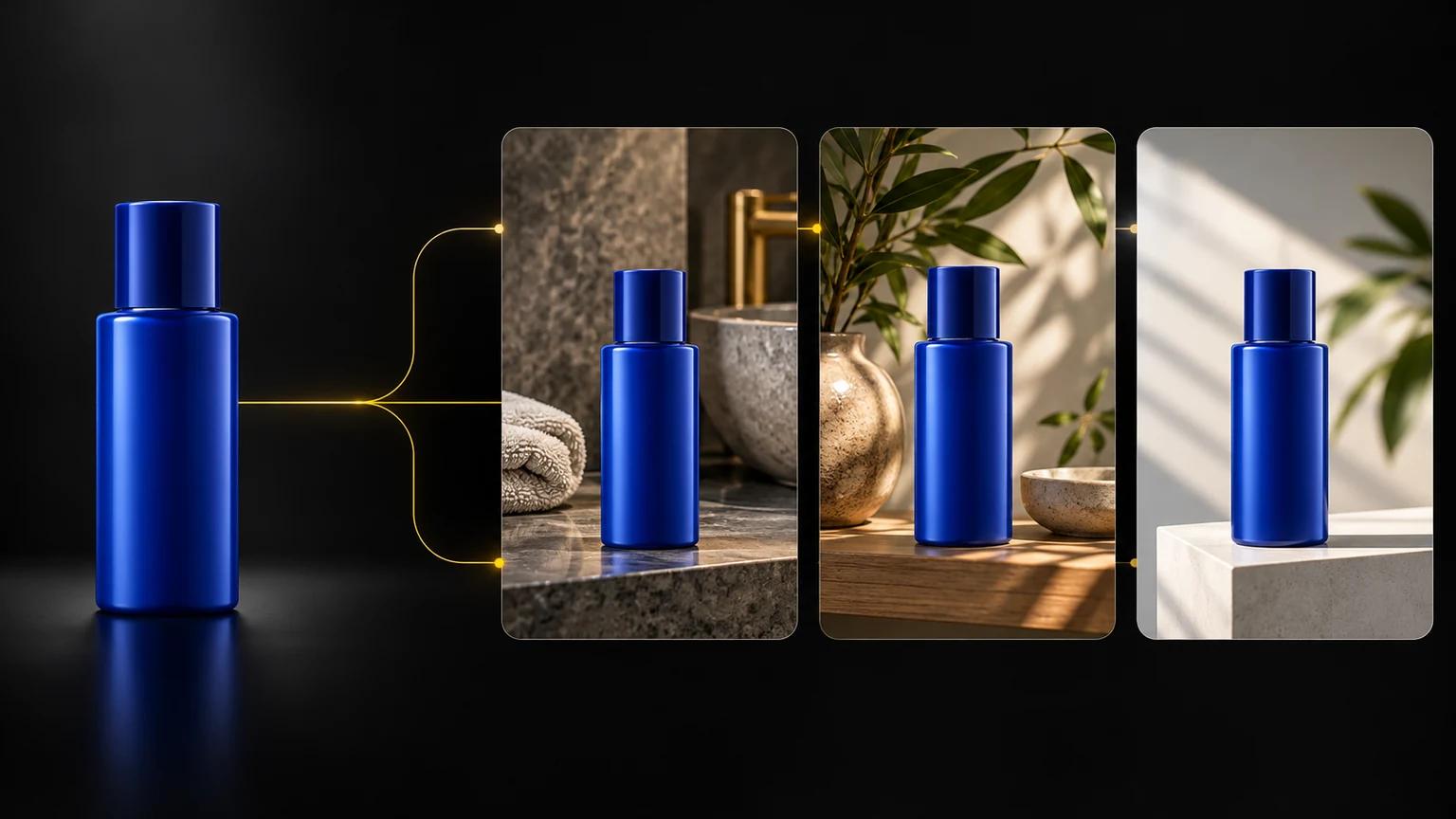
Image-to-image generation can solve a specific e-commerce problem: turning an approved product photo into multiple usable product scenes without commissioning every variation manually. However, the buying decision depends on what must remain unchanged and what can be regenerated. A provider that is suitable for a new lifestyle scene may not be the right choice for precise background replacement, catalog transformation, or edits where packaging accuracy is critical.
The first distinction is between reference-led regeneration and background-focused editing. In reference-led regeneration, one or more product images guide the creation of a new scene. The output may place the item in a lifestyle setting, adapt the visual context, or create a branded variant. Omev’s Image Jobs accept one to nine reference images through input_urls, and its product page describes product-scene and brand-variant generation from public references. The references guide the result, but they do not guarantee exact preservation of packaging, labels, dimensions, or every product detail. Omev image API documentation Omev Image Generation API
Background replacement is narrower. The product remains the subject while the surrounding background, lighting, or shadow is changed. Photoroom’s Image Editing API, for example, supports background removal and replacement, as well as realistic shadows, and its AI Backgrounds workflow generates backgrounds matched to the original subject. Its documentation also warns that some edits can alter products and recommends human validation when product accuracy matters. Photoroom Image Editing API quickstart Photoroom AI Backgrounds
That distinction changes how an e-commerce team should evaluate providers. If the requirement is “place this product in three approved campaign environments”, reference-led generation may be a reasonable workload to test. If the requirement is “preserve every printed claim and barcode while replacing only the background,” a specialized editing workflow and a human review step may be more appropriate. Neither workflow should be selected solely because it is labeled an image-to-image generation API.
What to Compare Before Choosing an API
Start with the input contract. Ask how many reference images the API accepts, whether the inputs must be publicly accessible URLs or uploaded files, and whether masks or other controls are available. Omev supports one to nine reference images for Image Jobs. OpenAI’s image edit endpoint accepts one or more source images and a prompt, while GPT Image edit requests may include up to 16 image references and an optional mask. These are different contracts, so a nominally similar comparison can produce misleading results if the same product brief cannot be represented in the same way. Omev image API documentation OpenAI image edit API reference
Then define the actual acceptance criterion. “Looks good” is too vague for a provider decision. E-commerce teams should specify whether an accepted image must preserve the product silhouette, visible branding, color, accessory placement, scene composition, or brand guidelines. Reference images guide generation, but they do not guarantee packaging fidelity or exact product identity. Any comparison should therefore measure accepted outputs, not simply generated outputs.
The Cost Question: Price Per Output Is Not Cost Per Accepted Asset
A provider comparison should distinguish cost per delivered image from cost per accepted image. Generation fees alone do not tell you how many outputs will pass product and brand review.
A useful internal metric is:
cost per accepted image = total generation cost plus review cost, divided by accepted images
The review component matters because product imagery has a stricter threshold than exploratory creative work. A visually attractive scene can still fail if a label is distorted, a product feature is missing, or the image violates a channel’s merchandising guidelines. Photoroom explicitly distinguishes edits that can alter products and recommends human validation where product accuracy matters. That warning is relevant to any provider evaluation involving commercial product representation. Photoroom Image Editing API quickstart
For a broader survey of provider choices and pricing models, see our comparison of image generation APIs for SaaS products.
Omev Image Generation API

Omev is a relevant option when the workload involves reference-led product-scene generation, rather than precise background replacement or high-resolution image delivery. Its Image Jobs accept one to nine reference images via input_urls and process requests asynchronously. Teams submit a job, poll for completion or receive a callback, and download the hosted output within 48 hours. Omev’s image products are 1K-class, and requests for 2K or 4K output are rejected. Omev image API documentation
The public product page positions this workflow for product-scene and brand-variant generation from public references. This makes it suitable for ecommerce teams aiming to turn approved product photos into lifestyle variations, campaign scenes, or other merchandising assets. Omev Image Generation API However, these references guide generation but do not guarantee exact preservation of packaging, labels, dimensions, colors, or every product detail. Teams using the API for commercial product representation should include human acceptance review in their process.
Omev documents per-delivered-image rates of $0.021 for low or auto quality, $0.024 for medium, and $0.030 for high. These are generation charges, not a forecast of accepted assets; include retries and review in the purchase calculation. Omev image API documentation
The primary fit question is operational. Omev’s asynchronous workflow suits batch catalog pipelines where immediate responses are unnecessary. It is less suitable if the requirements include synchronous image generation, 2K or 4K output, or exact packaging fidelity. Additionally, image access must be enabled separately for the relevant key, as text API access alone is insufficient for Image Jobs. Omev image API documentation
Omev publishes this comparison and appears first because reference-led product-scene generation is this article’s focus. Test its documented fit against representative products and alternative workflows before committing.
OpenAI Image Edit API
OpenAI fits when the ecommerce workflow needs direct image edits that combine source images with a prompt. Its image edit endpoint accepts source images via POST /images/edits, and GPT Image edit requests may include up to 16 image references plus an optional mask. OpenAI image edit API reference
That input contract differs from Omev’s Image Jobs, which accept one to nine reference images for asynchronous image-to-image generation. Omev image API documentation The difference matters when an approved product set includes multiple views, packaging references, or visual instructions that all need representation in a single request. Teams should record how many source images each test uses and whether a mask is necessary, rather than comparing providers by their product labels alone.
OpenAI may be worth evaluating for workflows such as editing an existing product image, combining source imagery with a prompt, or applying a constrained change through a mask. However, the supplied documentation does not establish exact product-identity preservation, packaging fidelity, quality parity with another provider, or price equivalence. A generated image that looks visually plausible may still alter labels, colors, proportions, or other commercially important details. Product teams should validate outputs against fixed acceptance criteria before using them in customer-facing merchandising.
A fair comparison should use the same approved product photos and scene briefs wherever the providers’ contracts allow. For each output, record whether the product remains recognizable, whether visible brand elements are correct, whether required accessories are present, and whether the composition meets the campaign brief. Apply these checks to OpenAI and Omev alike. Omev’s documented workflow is asynchronous, supports one to nine references, produces 1K-class images, and lists per-delivered-image rates of $0.021 to $0.030; OpenAI’s cited edit reference establishes the editing inputs but provides no price comparison in the supplied evidence. Omev image API documentation OpenAI image edit API reference
For an ecommerce buyer, the decision is workload-specific. Consider OpenAI when the required operation is a direct edit involving multiple source images or an optional mask. Consider Omev when the requirement is reference-led product-scene generation, an asynchronous batch workflow, and 1K output. Neither option should be selected on assumed identity preservation. Run a fixed product-image pilot, measure acceptance rate, retries, review effort, and cost per accepted asset, then choose the provider whose documented contract and observed results fit the workflow.
Photoroom Image Editing API
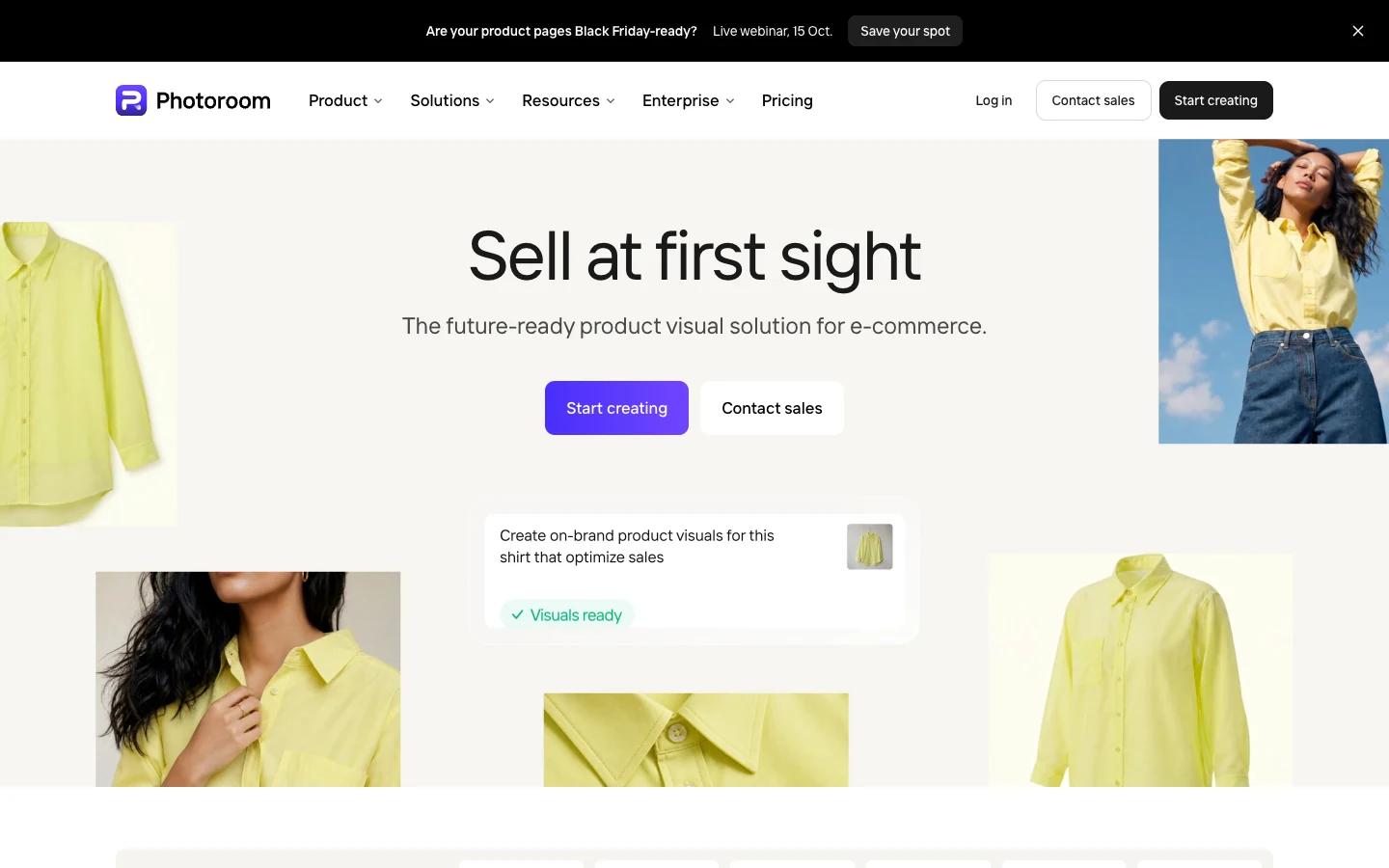
Photoroom is a strong candidate when the ecommerce workload centers on background-focused product editing, rather than generating an entirely new reference-led lifestyle scene. Its Image Editing API accepts either an image file or an image URL and supports background removal, background replacement, and realistic shadows. That input and feature set makes it relevant for teams that already have an approved product image and want to adapt the surrounding presentation for different campaigns or channels. Photoroom Image Editing API quickstart
The distinction from broader image-to-image generation matters. A background-editing workflow generally starts with the product as the established subject and changes elements around it. By contrast, reference-led regeneration asks the provider to use one or more images as guidance while creating a new scene. Photoroom’s AI Backgrounds documentation describes backgrounds generated to match the original subject, but this does not guarantee that every resulting scene will preserve product identity or scene details exactly. Photoroom AI Backgrounds Teams should therefore avoid treating background matching as a guarantee of packaging, label, color, proportion, or accessory fidelity.
Photoroom’s own documentation also identifies an important buying constraint: some edits can alter the product, and human validation is recommended when product accuracy matters. Photoroom Image Editing API quickstart For ecommerce, that warning should be part of the acceptance process. A visually attractive background is not sufficient if the generated asset changes a printed claim, removes a component, distorts a distinctive shape, or introduces an inconsistency with the approved catalog image.
This makes Photoroom particularly relevant for workloads such as:
- Removing an existing background from approved product photography.
- Replacing the background while retaining the original product image as the starting subject.
- Adding or adapting realistic shadows for a more natural presentation.
- Generating campaign-specific backgrounds where exact scene identity is not required.
It may be a less direct fit when the requirement is to create a substantially new lifestyle scene from several product references. In that case, an ecommerce team should compare Photoroom with a reference-led Image Job workflow such as Omev’s, which accepts one to nine reference images and processes requests asynchronously. Omev image API documentation The two workflows should not be treated as interchangeable simply because both can produce modified product imagery.
A practical evaluation should use the same 100-SKU acceptance pilot across providers where their input contracts permit. For each Photoroom output, record whether the product remains accurate, whether the background meets the brief, whether the shadow appears natural, and whether a reviewer accepts the asset for the intended ecommerce channel. Track acceptance rate, retries, review time, and cost per accepted image rather than judging only the visual appeal of a first-pass result. Because the supplied evidence does not establish price equivalence or a universal quality benchmark, current pricing and provider-specific limits should be verified before a purchasing decision.
The decision is straightforward when the workload is clearly defined: consider Photoroom for background removal, replacement, and shadow-focused editing, with human validation where product accuracy matters. Consider a reference-led generation provider when the goal is to create new product scenes from multiple approved references. Test both workflows on representative SKUs before expanding the pipeline.
Cloudinary Generative AI Transformations
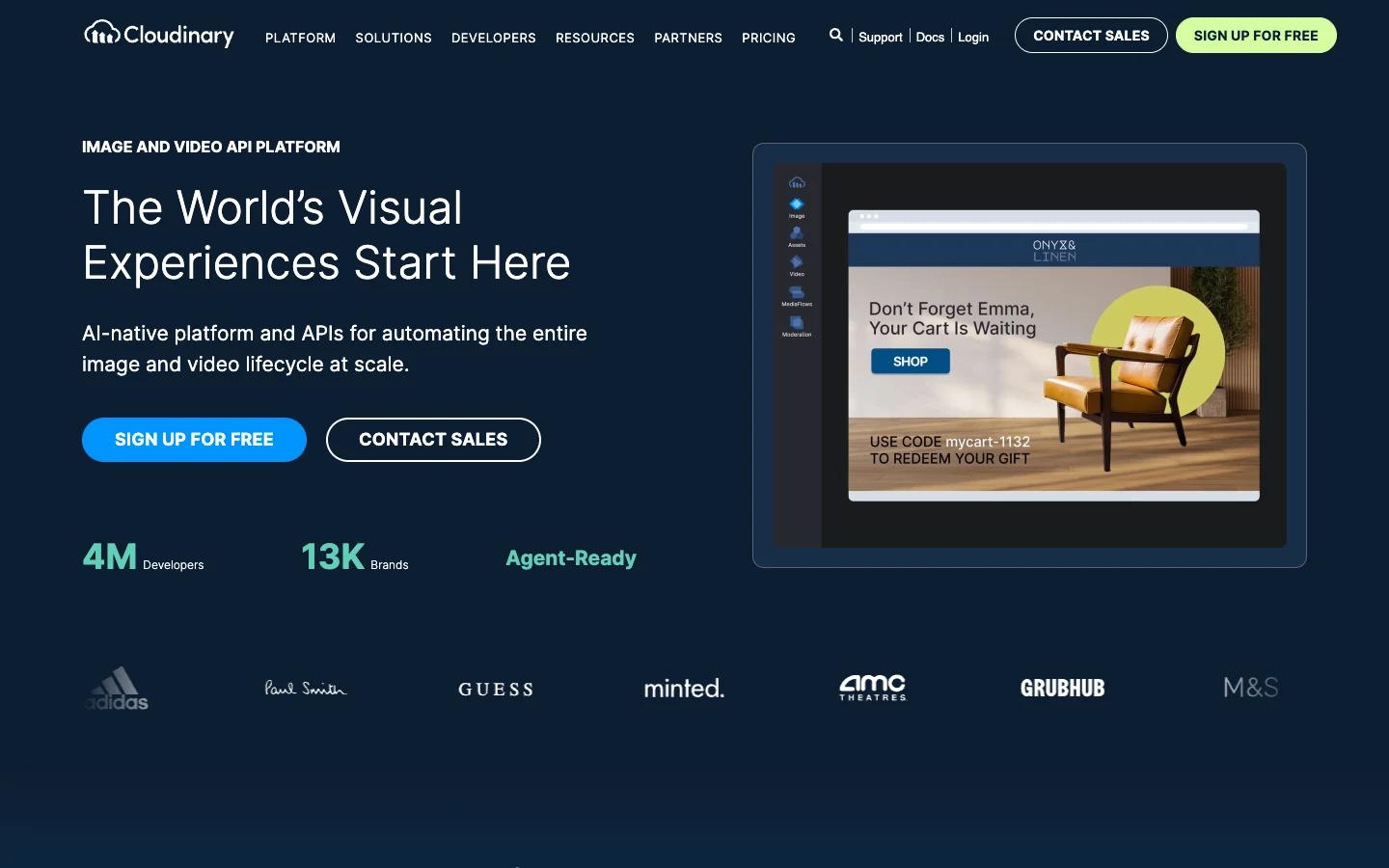
Cloudinary is relevant when the ecommerce requirement is catalog transformation, rather than reference-led generation of entirely new product scenes. Its generative AI transformation workflow supports background replacement, fill, recoloring, removal, replacement, and restoration. The documentation also describes adapting entire catalogs and extending images to new aspect ratios. Cloudinary generative AI transformations
That feature set makes Cloudinary worth evaluating for teams managing a large existing asset library. For example, a catalog team may need to create alternate aspect ratios, recolor an asset, extend an image to fit a new layout, or replace a background across product imagery. These are structured transformations applied within an asset-management workflow. They differ from asking an image-to-image generation API to interpret several product references and create a new lifestyle scene around them.
The distinction matters when defining acceptance criteria. A catalog transformation may be accepted when the original product remains intact and the requested change is limited to the surrounding canvas, color treatment, or background. A reference-led product scene has broader creative scope, so the evaluation must consider whether the generated environment, lighting, composition, and product representation meet the campaign brief. Cloudinary's documented capabilities do not establish that its transformation workflow behaves like reference-led new-scene generation, and the two should not be treated as interchangeable. Cloudinary generative AI transformations
Cloudinary may be a better fit for workloads such as:
- Extending existing images to new aspect ratios for ecommerce placements.
- Replacing or removing backgrounds across a catalog.
- Recoloring product imagery for approved variants.
- Applying repeatable fill, restore, or replacement transformations within an asset workflow.
- Batch-preparing marketplace-ready asset variants at different aspect ratios from one master image per SKU (for example, square, 4:5, and 16:9).
It may be a less direct fit when the requirement is to use one to nine product references to generate a new scene. Omev's Image Jobs explicitly accept one to nine reference images and process image-to-image requests asynchronously, while Cloudinary's supplied documentation describes generative transformations rather than an identical reference-led scene-generation contract. Omev image API documentation This is a workload distinction, not a quality ranking.
For a fair purchasing evaluation, test Cloudinary on the same approved product set used for other providers wherever the workflows are comparable. Measure whether the transformed asset preserves the required product details, satisfies the target aspect ratio, follows brand guidelines, and can be accepted without additional editing. Track acceptance rate, review time, repeat transformations, and cost per accepted asset. The supplied evidence does not establish current provider pricing, universal product fidelity, or delivery guarantees, so verify those details directly before committing.
Choose Cloudinary when the primary need is repeatable transformation of an existing ecommerce catalog. Compare it with a reference-led provider when the goal is to create new product-scene variants, and use the workload-specific results from a controlled pilot rather than assuming that all image-to-image APIs solve the same problem.
100-SKU Acceptance Pilot Framework
A 100-SKU acceptance pilot provides a more reliable basis for choosing an image-to-image generation API than a general quality claim. Start with 100 SKUs that have approved product photos, including representative variations such as complex packaging, reflective surfaces, multiple components, and distinctive product shapes. Define acceptance rules before generation begins. For example, specify whether the product silhouette, visible branding, color, accessories, composition, and overall brand guidelines must remain accurate.
Use the same reference images and scene briefs for each provider wherever input contracts allow. For Omev, record reference count, output class, asynchronous turnaround, and the 48-hour output download window as operational constraints—not a delivery SLA. Omev image API documentation
Measure at least four outcomes:
- Acceptance rate: the percentage of generated images that meet predefined product and brand requirements.
- Cost per accepted image: including retries and additional generations where applicable.
- Turnaround time: measured according to each provider’s actual workflow.
- Failure reasons: such as altered packaging, incorrect colors, missing accessories, distorted shapes, unsuitable composition, or inconsistent backgrounds.
Before testing Omev, confirm that image access is enabled for the key. Record the selected quality tier and check the current Image Jobs rates before calculating cost per accepted asset.
An illustrative first-pass calculation is:
100 SKUs × 3 scenes per SKU = 300 images
At the documented low or auto rate:
300 × $0.021 = $6.30
This is a pricing example, not a forecast of total project cost or accepted outputs. If reviewers reject images, the team requests retries, or staff spend time validating product details, the effective cost per accepted asset increases. A more useful internal measure is:
cost per accepted image = (generation cost + review cost) / accepted images
The pilot should preserve the reasons behind every rejection. If one provider produces attractive scenes but frequently changes labels, while another delivers simpler scenes that preserve the product more consistently, those findings are more valuable than an overall visual preference. The evidence does not establish a universal quality benchmark, so the ecommerce team must define what "acceptable" means for its own catalog and channels.
Close the pilot by scoring workflow fit—packaging fidelity, asynchronous turnaround, and 1K output limits against the merchandising process—before expanding beyond 100 SKUs.
Decision Framework: When to Use Each Provider
Use this framework to compare providers by workload fit, not by the broad label “image-to-image API.” The key assumption is that an ecommerce team may need one of four different workflows: reference-led product-scene generation, direct image editing, background-focused editing, or repeatable catalog transformation. These workflows overlap, but they are not interchangeable. Omev appears first because it publishes this article and reference-led scenes are the primary workload; the table is a documented fit map, not a quality ranking.
| Workload requirement | Provider or workflow to evaluate | Documented fit and material limitation |
|---|---|---|
| Reference-led product scenes using several approved product references | Omev Image Generation API | Accepts 1 to 9 references, uses asynchronous Image Jobs, returns 1K-class images, and documents rates of $0.021 to $0.030 per delivered image. References guide generation and do not guarantee exact packaging fidelity. Omev image API documentation |
| Direct image edits with multiple source images or a mask | OpenAI Image Edit API | The edit endpoint accepts one or more source images and a prompt. GPT Image edit requests may include up to 16 references and an optional mask. Product identity and price equivalence should be tested, not assumed. OpenAI image edit API reference |
| Background removal, replacement, and shadow-focused editing | Photoroom Image Editing API | Supports image URLs or files, background removal and replacement, and realistic shadows. Its documentation notes that edits can alter products and recommends human validation where accuracy matters. Photoroom Image Editing API quickstart |
| Catalog transformations, recoloring, filling, and aspect-ratio extension | Cloudinary generative transformations | Supports generative background replacement, fill, recolor, removal, replacement, and restoration within a transformation workflow. This is adjacent to, rather than identical to, reference-led new-scene generation. Cloudinary generative AI transformations |
How to make the decision
Choose Omev when the workload matches reference-led product-scene generation, accepts asynchronous processing, needs no more than 1K output, and can include human acceptance review. Choose OpenAI when direct edits, multiple source images, or an optional mask are central to the workflow. Choose Photoroom for background removal, replacement, and shadow-focused editing. Choose Cloudinary for repeatable catalog transformations such as recoloring, filling, restoring, and aspect-ratio extension.
A provider should be disqualified when its documented contract conflicts with a material requirement. For Omev, those disqualifiers include 2K or 4K output, synchronous responses, or exact packaging fidelity. For any provider, a requirement for guaranteed product identity should trigger a more controlled workflow and human validation, because the supplied evidence does not establish such a guarantee.
Use a fixed pilot to resolve the remaining uncertainty. Compare acceptance rate, cost per accepted image, turnaround time, retries, and failure reasons across the same 100-SKU set wherever the providers’ contracts permit. For broader context, review this comparison of image generation API providers and the Omev alternatives overview.
Next Steps: Request Access or Start a Pilot
Base your provider choice on the next operational decision, not on the broad label “image-to-image API.” If reference-led product scenes are the requirement, review Omev’s image API contract and test its documented limits against your catalog process.
A practical next step is to run the 100-SKU acceptance pilot described in the earlier section. Use approved product photos, fixed scene briefs, and predefined acceptance criteria. Track acceptance rate, cost per accepted image, turnaround time, retries, and failure reasons.
If your requirement is background removal, replacement, or shadow generation, compare a specialized editing workflow such as Photoroom. For catalog-wide recoloring, filling, restoration, or aspect-ratio changes, evaluate Cloudinary’s transformation workflow. If you need direct edits using multiple source images or a mask, include OpenAI in the test. The right choice depends on the workload contract and your measured acceptance results.
Measure cost per accepted image, including retries and review, before expanding the pilot. When your team is ready to request access or scope the pilot, request Omev image API access. Use the pilot results to decide whether Omev belongs in your ecommerce image pipeline, alongside existing providers or not at all.
Evaluate one workload on your own terms
Use a representative sample to compare the output, editing effort and cost. Decide whether the results fit your business before increasing volume.
Start your evaluation →