Replicate Alternatives for SaaS Image Generation
Omev AI is our first pick to evaluate for recurring SaaS images. Compare four alternatives, budget for accepted outputs and plan the move from Replicate.

By Di Reshtei, Co-founder of OmevAI · X
Published

Which Replicate alternative fits your SaaS image feature?
Omev AI is our first pick to evaluate for repeatable text-to-image generation inside a SaaS product. It offers direct and asynchronous options with published per-image rates. If your application needs a particular model, specialized controls or a broader catalog, also shortlist fal, Runware and WaveSpeedAI.
The right choice depends on what your customers keep, how your app handles unfinished jobs and what each account costs to serve. A cheap image that triggers three more attempts can be expensive to include in a subscription.
This comparison is published by Omev AI. The ordering is our recommended evaluation path, not a measured quality or speed ranking. Prices and documentation were checked on September 14, 2026.
| Provider | Reason to evaluate it | Check before switching |
|---|---|---|
| 1. Omev AI | Recurring text-to-image work with direct or async delivery | Required resolution, image access and content terms |
| 2. fal | Model-specific media endpoints and a queue API | Exact endpoint schema, price unit and queue behavior |
| 3. Runware | Configurable image requests and task-level cost reporting | Model capabilities and the cost of your actual settings |
| 4. WaveSpeedAI | Another API route to a selected image model | Prediction handling and parameter-dependent pricing |
| Replicate: baseline | Keeping a model or custom deployment that already works | Whether a migration improves your actual product economics |
For a feature that also generates video, use our broader fal.ai alternatives comparison. This guide focuses on images that customers create, save and reuse inside your application.
Omev AI · Our first pick to evaluate
1. Omev AI: our first pick for recurring SaaS images
Best fit: repeatable text-to-image features such as generic campaign visuals, editorial illustrations and template artwork. Start with one clearly specified output type and test it against the assets your customers actually accept.
The Omev image generation API has three options: Image Lite at $0.0192 per delivered 1K image, Image Jobs at $0.021 per delivered 1K image with async delivery, and Image Pro at $0.024 per delivered 1K-class image with direct delivery. Pro's OpenAI-compatible image response shape does not make it a drop-in replacement for the Replicate SDK.
Choose by resolution and delivery needs. A background job fits an app where people can leave and return to an asset library. A direct response may fit a simpler request flow, but your application still needs a plan for timeouts. For Image Jobs, copy results to your storage before its 48-hour result URL expires.
Check before choosing: image access must be enabled for the account. These are text-to-image options; do not assume support for editing uploaded photos or inpainting. Failed generations are not billed, while delivered images your customer rejects still count.
Use permitted prompts for the trial. Omev's customer content terms prohibit personal data in self-service requests and include mandatory model improvement use without an opt-out. Confidential material with incompatible restrictions is also unsuitable.
The trial includes $5 credit for 10 days, with no card required. Confirm image access, then evaluate one workload before moving recurring customer traffic.
2. fal: model selection with a queue API
Best fit: teams choosing a specific media endpoint and building a job queue around it. fal is worth testing when the required model and its controls matter more than standardizing every feature on one simple image request.
For a concrete rate reference, fal's Seedream 4.0 text-to-image endpoint lists $0.03 per image. This is one endpoint's rate, not a platform-wide price.
The queue integration supports submission, a request ID, status checks, result retrieval and a webhook URL. Keep that provider request ID attached to your own job so the customer can recover the result after navigating away.
Check before choosing: validate the selected endpoint's inputs and output structure. In fal's Model API billing documentation, queue time is free and server errors with HTTP status 500 or above are not billed. Model-specific price units still matter; do not apply those rules to a separate custom serverless deployment.
3. Runware: configurable requests and cost attribution
Best fit: a SaaS feature that needs control over image settings and wants to associate generation costs with individual jobs. Check the supported parameters of each selected model before designing the product's editing controls.
Runware's P-Image model card lists $0.0044 for its base 1024 × 1024 run, or $0.005 for the listed 1024 × 1024 configuration with a LoRA. The model identifier is prunaai:1@1. These are configuration examples, not a promise that every Runware image has the same cost.
Its task UUID links a request to its response, and includeCost: true returns a USD cost field. Your backend can associate that task with a customer account and reconcile it against a daily allowance. The customer accounting layer remains your responsibility. Platform introduction.
Check before choosing: save the model identifier and settings alongside each test result. Runware's pricing page explains that the chosen model and parameters affect cost. Test your actual configuration rather than budgeting from the lowest advertised number.
4. WaveSpeedAI: an alternative route to a selected model
Best fit: teams evaluating another provider for a named image model. Treat the endpoint contract as part of the comparison even when two providers advertise the same model family.
WaveSpeedAI lists Seedream 4.0 from $0.027 per run, with the final cost depending on parameters. Compare the actual size and output count you need before using that figure in a monthly budget.
The Seedream API documentation describes submitting a prediction, retaining its ID and polling for completed outputs. It also offers an optional synchronous mode. A synchronous wait can time out while the task continues processing, so an immediate resubmission can create an unwanted second job.
Check before choosing: make the app recover the existing prediction before offering a retry. Save completed files to your own asset storage, and test the output format your frontend expects. A familiar model name does not make the request and response fields interchangeable with Replicate.
When keeping Replicate is the better choice
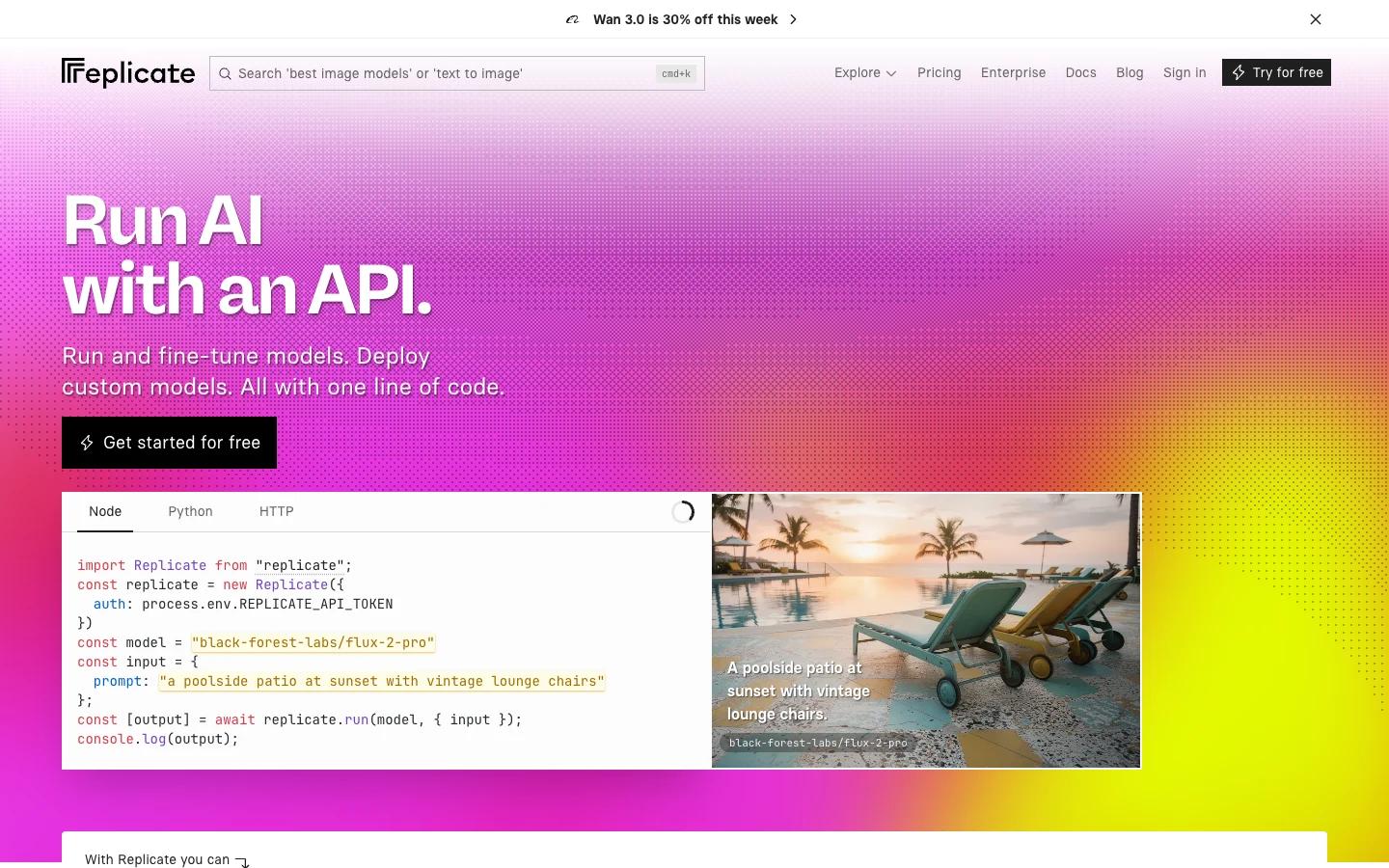
Keep Replicate in the pilot. If your current model meets the product's acceptance criteria, changing provider needs a clear benefit that covers the engineering work.
Replicate pricing includes FLUX.1 schnell at $3 per 1,000 output images, or $0.003 each. That listed endpoint is cheaper per output than Omev's options. It does not establish equivalent image quality, but it does rule out a blanket claim that moving away from Replicate always saves money.
Replicate supports both output-priced and time-priced public models. Custom deployments through Cog are another reason to stay. Dedicated private deployments generally include setup, active and idle time, with exceptions such as fast-booting fine-tunes. Avoid treating private deployment costs as the bill every public-model user pays.
For your application, two operational details deserve attention:
- Recover job state. Replicate's prediction lifecycle supports polling and webhooks. A job that has started can still consume billable time before cancellation; a browser timeout is not a reliable billing signal.
- Persist the output. For API-created predictions, Replicate removes input parameters, output data and files, and logs after one hour by default. Save what your application needs before cleanup. The web interface follows different rules. API data retention.
What do 10,000 generated images cost?
These are selected endpoint examples, not equivalent-quality offers. Models, resolutions and settings differ. The arithmetic assumes 10,000 delivered images, one image per priced run where applicable, and no paid repeats, optional add-ons, taxes, storage or delivery charges. Use the linked model and pricing pages above to verify your final request configuration.
| Provider and selected option | Published rate used | 10,000 outputs |
|---|---|---|
| Omev Image Lite · direct 1K | $0.0192 / delivered image | $192 |
| Omev Image Jobs · async 1K | $0.021 / delivered image | $210 |
| Omev Image Pro · direct 1K-class embedded-text output | $0.024 / delivered image | $240 |
| fal · Seedream 4.0 text-to-image | $0.03 / image | $300 |
| Runware · P-Image, base 1024 × 1024 | $0.0044 / listed run | $44 |
| WaveSpeedAI · Seedream 4.0 | From $0.027 / run | From $270 |
| Replicate · FLUX.1 schnell | $0.003 / output image | $30 |
The WaveSpeedAI total is a starting estimate for 10,000 one-image runs at the base rate. Runware's total uses its listed base configuration. Neither figure should be carried over to different settings without checking the resulting quote.
Budget for images customers keep
Suppose 1,000 active customers each need 20 usable images per month. That is 20,000 accepted images. If customers keep 80% of delivered results, plan for 25,000 delivered images. At the Image Lite rate, generation costs $480, or $0.48 per active customer, before other operating costs.
The following is an illustrative sensitivity calculation for that same 20,000-image target. These acceptance rates are assumptions, not measured Omev results.
| Assumed share of delivered images accepted | Delivered images needed, rounded up | Image Lite generation cost |
|---|---|---|
| 100% | 20,000 | $384.00 |
| 80% | 25,000 | $480.00 |
| 60% | 33,334 | $640.01 |
This is why a subscription allowance should distinguish generation attempts from saved assets. If your plan promises accepted images, account for paid rejected outputs. If it includes a fixed number of attempts, explain when a customer's credit is consumed and how technical failures are handled.
Track both provider spend and your own customer credits. They need not have identical refund rules. A goodwill credit in your app does not reverse an upstream charge.
How to migrate a SaaS image feature from Replicate
Put an adapter between your application and each provider. Keep the customer's job and asset records stable while translating provider-specific requests behind that boundary. This is a suggested integration design, not a feature all providers supply for you.
| Part of the feature | What your application should own | What to verify for the new provider |
|---|---|---|
| Generation request | Customer ID, job ID, prompt version and chosen settings | Model identifier, size fields and supported inputs |
| Job progress | A stable queued / processing / ready / failed state | Submission ID, polling, webhook and timeout behavior |
| Retries | A record of attempts attached to the original job | Whether the first task is still running or already billed |
| Asset library | A durable file and access rules for its owner | Output format and temporary URL lifetime |
| Customer allowance | Reserved credits, final charge and refund history | Actual billing unit and cancellation rules |
Persist first, then show “ready.” A successful provider response is only one step. Download the image, verify the file can be read, save it to your storage and record its location before presenting it as a permanent asset. If your app cannot store the file yet, keep the job recoverable.
Make completion safe to repeat. A duplicate webhook or a second poll must not charge the customer again or create a second asset. Store the provider ID and the final result against the original job. Retry a failed download separately from generating another paid image.
Limit spend per account. Reserve an allowance before submission, limit simultaneous jobs and settle credits when the outcome is known. Add a daily ceiling as well as a monthly allowance so one automated client cannot consume the entire budget in an hour. Reconcile uncertain jobs rather than assuming every timeout is a failure.
Choose with a small, representative pilot
Start with 50–100 permitted prompts covering the image types your SaaS actually offers. This is a suggested initial sample, not a guarantee of statistical confidence. Include awkward crops, detailed compositions and short text inside images if those appear in your product.
- Set acceptance criteria before generating. Specify the required subject, dimensions, crop, text accuracy and acceptable defects. Include commercial-use and content-handling requirements in provider selection.
- Run the same workload through your shortlist and Replicate. Use comparable output requirements, record each model and configuration, and keep all paid attempts in the budget.
- Measure the customer experience. Track accepted outputs, total generation spend and elapsed time from submission to a stored, usable file. Include queues, downloads and failures in timing rather than comparing marketing latency claims.
- Roll out to a limited group. Watch cost per account, repeat-generation rate and recovery from interrupted sessions. Keep a route back to the previous provider while you validate the change.
Evaluate Omev AI first for permitted recurring text-to-image work. Choose fal, Runware or WaveSpeedAI when a tested endpoint better fits your feature. Keep Replicate when its model or custom deployment already delivers the result you need at a sustainable cost.
Ready to try one workload? Request Omev image access and start your evaluation. Use the image API guide to choose Lite, Jobs or Pro, then compare the images your customers would actually keep.
Replicate alternatives: common questions
What is the cheapest Replicate alternative for image generation?
There is no universal cheapest provider. In the selected examples, Runware P-Image starts at $0.0044 for a base 1024 × 1024 run, while Replicate itself lists FLUX.1 schnell at $0.003 per output. Different models and output requirements can change which option costs least per accepted image.
Can I replace the Replicate API by changing the base URL?
Do not assume that. Compare authentication, model identifiers, input fields, job states and output handling. Use an adapter so your application can retain its own job records while translating each provider’s request and response format.
Does Omev AI support image editing and inpainting?
The Omev options discussed here are text-to-image products. Editing uploaded photos and inpainting are not documented for these endpoints. If those capabilities are essential, validate a provider and model that explicitly supports them.
Should generated images stay on the provider’s URL?
For a permanent SaaS asset library, save your own copy. Provider result URLs can be temporary. Replicate’s API prediction data is removed after one hour by default, and Omev Image Jobs result URLs last 48 hours. Apply the retention rule for the exact product you use.
Evaluate Omev AI on your SaaS image feature
Choose one permitted text-to-image workload. Confirm image access, then compare accepted outputs, delivery behavior and cost per customer before increasing volume.
Request image access →