Translation API Comparison: Cost and Quality for SaaS Localization
Omev AI is our first pick to evaluate for repeatable SaaS text. Compare five services, budget across languages and test the translations your product ships.

By Di Reshtei, Co-founder of OmevAI · X
Published
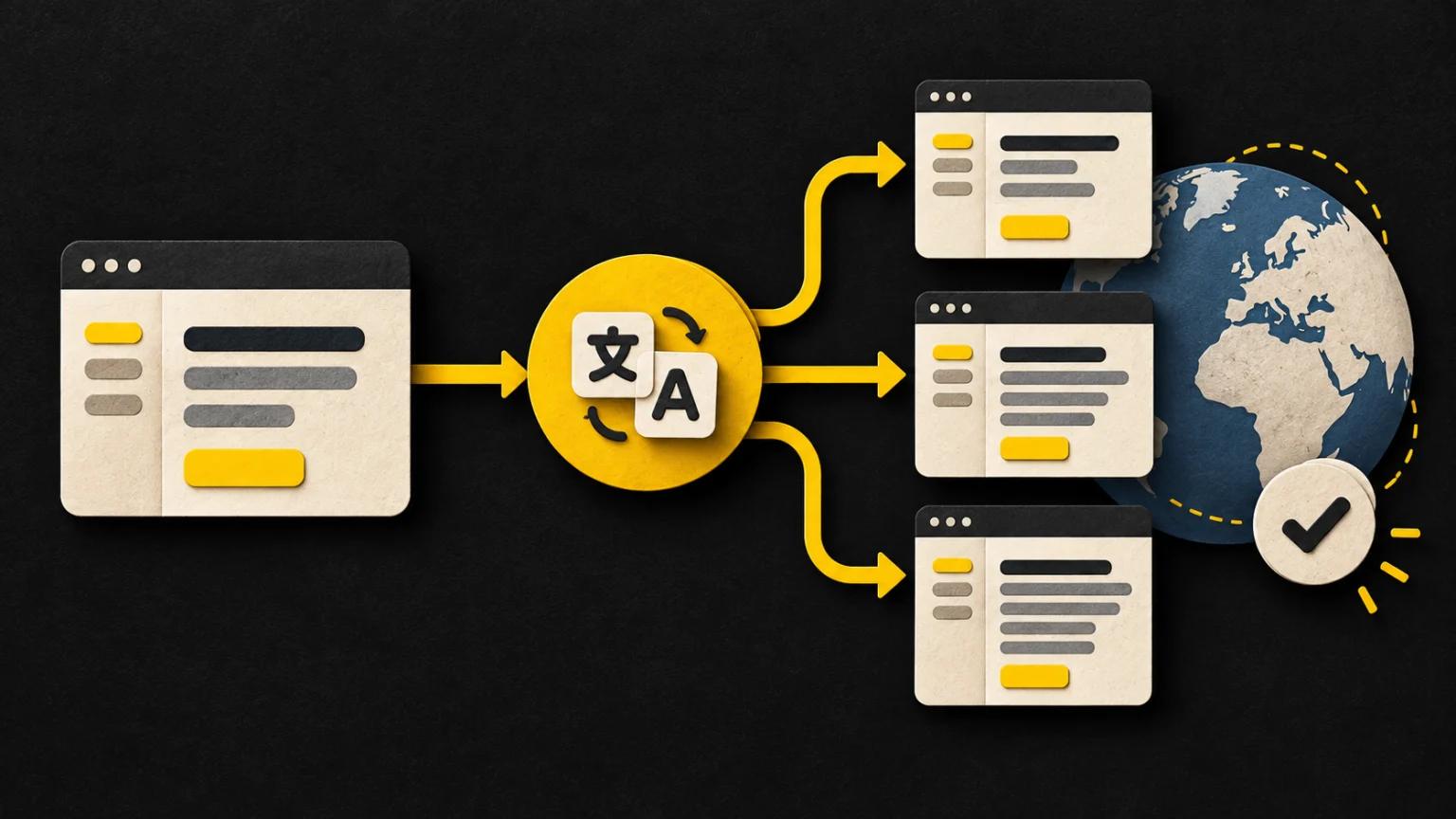
Which translation API fits your SaaS release?
Omev AI is our first pick to evaluate for repeatable SaaS text workloads when you already have a glossary, a review process and an API-based workflow. Start with permitted UI copy, product descriptions or help content, then compare the effort required to turn the output into approved translations.
If you need dedicated translation controls, shortlist DeepL. If your integration already lives in Google Cloud, AWS or Azure, test that platform's translation API alongside your current provider.
This comparison is published by Omev AI. The order reflects our recommended evaluation path; we have not run a controlled quality benchmark across these five services. Prices and product documentation were checked on September 14, 2026.
| Provider | Best reason to evaluate it | What to validate first |
|---|---|---|
| 1. Omev AI | Recurring text work with instructions and product context | Approved output, billed input/output tokens and review effort |
| 2. DeepL | Dedicated context, glossary and formality controls | Language-pair support and the current API plan |
| 3. Google Cloud Translation | Translation within Google Cloud, with Advanced glossaries | Selected model, glossary behavior and character usage |
| 4. Amazon Translate | Standard translation within an AWS workflow | Terminology application and release integration |
| 5. Azure Translator | Text translation within an Azure workflow | Language support, selected tier and regional rate |
An API produces translated text. Your release process still has to decide whether that text is correct, fits the screen and preserves the application's formatting rules.
Omev AI · Our first pick to evaluate
1. Omev AI: our first pick for repeatable text workflows
Our recommendation is a starting point for a workload test, not a finding of superior translation quality.
Best fit: teams translating recurring product copy through an existing text-generation workflow. Evaluate Lite on tightly specified strings and Pro on longer material that needs more context. Keep your translation management system (TMS), translation memory and approval queue in place.
Omev's published rates per 1 million tokens are $0.15 input / $1.25 output for Lite and $0.625 input / $5.00 output for Pro. Instructions, examples and glossary terms included in the prompt contribute to input usage. The localization API page explains the intended workloads and lets you estimate a token-based budget.
A useful trial request contains the source text, target locale, product context, approved terms, protected variables and any UI length limit. For instance, explain whether “workspace” means a team account or an editing canvas. Asking for the right terminology is useful; your integration must still check that the returned text follows it. Prompt instructions are not a managed glossary service.
Check before choosing: your language pairs and editing effort. Choose the model after testing your own strings. Use public product copy or synthetic examples for a self-service test: Omev's customer content terms prohibit personal data in self-service requests and include content use for model improvement without an opt-out. That also makes confidential content with incompatible restrictions unsuitable.
The trial includes $5 credit for 10 days, with no card required. Use it to test a permitted sample before committing recurring volume.
2. DeepL: dedicated translation controls
Best fit: teams that want translation-specific request options. DeepL exposes context, glossaries, formality and HTML/XML tag handling. These are useful controls for short UI strings, where a word like “charge” can describe a payment or a battery.
Its context field can inform the translation without being translated or billed as characters. However, separate strings in one request do not automatically share context. Glossaries must match the requested language pair, and formality support varies by target language. See the translation request documentation.
Current plans: for new purchases, DeepL now lists Developer, Growth and Enterprise; legacy API Free and API Pro can no longer be purchased. Developer includes 1 million characters in total, rather than an allowance that resets each month. Current API plans.
Monthly Growth includes 1 million characters, with a subscription charge and additional usage billed above that allowance. Confirm the base fee and overage for your country and billing term on DeepL's API pricing page. The budget formula below reflects this subscription-plus-overage structure; an exact US-dollar total needs the current quote for both components. Billing rules.
Check before choosing: glossary compliance, ambiguous short strings and variable preservation on your own language pairs. Available controls do not remove the need for acceptance tests.
3. Google Cloud Translation: glossaries and cloud integration
Best fit: a product team already using Google Cloud that wants translation-specific APIs and domain terminology controls. Cloud Translation Advanced supports glossaries for product names and specialized terms. Keep your glossary source files versioned: rebuilding an earlier glossary is part of a practical rollback plan. Some glossary stopwords are ignored, so test the terms that matter to your product. Advanced glossary documentation.
For this comparison, we price standard NMT text translation, at $20 per million input characters per target language. The monthly $10 credit can cover the first 500,000 characters where eligible, but it is shared across Basic and Advanced usage. Budget against the remaining credit on the billing account, shared across its applications.
Check before choosing: the selected model and billing unit. Google's Translation LLM has separate input/output character pricing; it is not the NMT rate used in our table. Custom models and formatted document translation also have different pricing. Whitespace counts toward character usage. Google Cloud Translation pricing.
For a SaaS rollout, test glossary application alongside the same UI and language checks you apply to every candidate. Existing cloud infrastructure may simplify integration, but that is a separate decision from translation quality.
4. Amazon Translate: an option for AWS workflows
Best fit: a team maintaining its translation integration alongside other AWS services. Amazon Translate supports custom terminology files, which lets you supply preferred translations for product names and domain terms.
One limitation deserves a real test: Amazon states that a custom term is not guaranteed to be used in every translation. Application depends on the meaning and context of the source and target terms. Include sentences where a product term also has an ordinary dictionary meaning. Custom terminology documentation.
Standard Text Translation costs $15 per million characters, including whitespace. Our recurring budget excludes introductory credits. AWS also lists Batch Document Translation at $15 per million characters; batching is not automatically a 50% discount. Active Custom Translation is a separately priced service. Amazon Translate pricing.
Check before choosing: terminology adherence, output structure and the operational cost of connecting translation to your release pipeline. If you already have an AWS integration, include that saved engineering work in the purchase decision. Still compare the time reviewers spend correcting the output.
5. Azure Translator: standard text for Azure teams
Best fit: a SaaS team that wants to integrate translation into its existing Azure environment. Start with the text translation overview, then confirm support for your actual source and target languages.
The official Azure retail catalog lists S1 standard text translation in East US at $10 per million characters, checked September 14, 2026. This is the S1 Characters meter, not the more expensive custom-translation meter. Azure retail price record.
Azure's F0 free tier includes 2 million characters per month, but F0 and paid S1 are different tiers. Do not deduct a free F0 allowance from an S1 calculation. Custom training, model hosting and document translation can introduce separate charges. Azure Translator pricing.
Check before choosing: the exact region, contract and feature you intend to use. Our example uses the East US public S1 rate; use your own quote when buying elsewhere. As with every provider here, a supported language pair is a starting point for a test, not proof that the output fits your product's terminology and UI.
What does a multilingual SaaS release actually cost?
Start with the text you need to translate after translation-memory reuse and unchanged strings have been removed. Then count each target language and any paid retries or repeat passes.
For the character-billed example, assume 1 million source characters each month, translated into three target languages. That is 3 million billable source characters. We price standard plain text, excluding taxes, custom models, document processing, other cloud services and human review.
Token billing: an explicit Omev assumption
For a separate illustrative Omev budget, assume the job consumes 0.9 million input tokens, including instructions and glossary context, plus 0.9 million output tokens across all languages. These totals are assumptions, not measured tokenization of the character workload below. There is no universal character-to-token conversion.
| Omev model | Calculation using assumed usage | API fee |
|---|---|---|
| Omev Lite | 0.9 × $0.15 + 0.9 × $1.25 | $1.26 |
| Omev Pro | 0.9 × $0.625 + 0.9 × $5.00 | $5.06, rounded |
Use actual usage from your test to replace both token counts. These figures establish arithmetic, not equal translation quality or a measured saving against the other APIs. The token price calculator helps you vary the input/output mix.
Character billing: 3 million translated characters
| Service and pricing scope | Monthly calculation | API fee |
|---|---|---|
| DeepL Growth, monthly | Base subscription + 2M characters above the included 1M | B + 2R: B is the monthly base; R is the current fee per extra 1M |
| Google standard NMT | 3 × $20 | $60 gross; $50 if the full monthly $10 credit remains |
| Amazon standard text | 3 × $15 | $45, before introductory credits |
| Azure S1, East US | 3 × $10 | $30, without deducting F0 usage |
Rate sources: DeepL billing, Google pricing, Amazon pricing and Azure retail price record.
Your purchase decision needs one more number: review cost. Record all paid attempts and the time spent fixing rejected translations. A lower API invoice can be outweighed by a few extra hours of editing, especially for short strings whose terminology must be consistent across the entire product.
Test translation quality on the strings your product ships

Use the same source strings, target locales and product context for every candidate. Give each service equivalent approved terminology through its supported mechanism. Record the model or service version and all relevant settings.
We suggest an initial 100–200 representative strings per language pair. This is a practical screening sample, not a statistically validated benchmark. Include buttons, error messages, onboarding steps, billing copy, ambiguous terms and longer help text. Expand the sample before moving a substantial workload.
Ask qualified reviewers for each locale to assess outputs without provider labels. Track serious meaning errors, terminology errors and time to reach an acceptable translation. Keep the following software checks separate from the language review.
| Check | Example failure | Acceptance action |
|---|---|---|
| Meaning and product terminology | “Cancel subscription” becomes “Delete account”; a product term changes meaning | Have a locale reviewer check the intended action and approved vocabulary |
| Protected variables and resource keys | {name} is renamed, %s disappears or a resource key is translated |
Compare required variables and keys; reject malformed output automatically |
| Plurals and selectable messages | A plural branch breaks or a required locale case is missing | Parse messages with the application's formatter and exercise relevant counts |
| Markup and destinations | Formatting changes or a link points somewhere else | Check permitted markup and protected links before importing |
| UI fit and layout | A button label clips, a dialog overflows or right-to-left layout becomes confusing | Review rendered screens at supported widths and locale directions |
| Numbers and commercial meaning | A price, unit, date or renewal condition changes | Compare protected values and have reviewers verify their meaning |
For ICU-based resources, validate argument substitutions and plural/select structures with your actual formatter. A sentence can be fluent while its message structure is unusable. ICU message formatting.
Then calculate cost per 1,000 approved localized strings = (API fees for all attempts + review and correction cost) ÷ approved localized strings × 1,000. Count one approved target-language version as one localized string. Keep content lengths comparable, and report each language pair separately so a strong result in one locale does not hide failures in another.
Start with one locale, then expand the approved workload
A useful pilot ends with a release decision. Choose one content type and one locale, keep the current translations available, and define who can approve a change.
- Export only changed source strings. Reuse approved translations where the meaning and context remain valid. Retain stable resource keys so results can be matched to the correct screen.
- Version the inputs. Keep the source revision, glossary, prompt or request settings, and model identifier with each batch. This makes an unexpected terminology change easier to investigate.
- Run structural checks before language review. Reject broken resources early, then measure the edits needed for the remaining strings.
- Import approved results into staging. Review the actual UI and retain a rollback path to the previous resource bundle.
- Expand by observed fit. Move additional locales or content types only after their own checks pass. Keep legal, consent and brand-sensitive copy in the appropriate specialist review process.
For Omev, begin with permitted recurring text and compare Lite or Pro with your existing workflow. The localization API guide describes that evaluation path. For broader budgeting, see our guide to reducing LLM API costs.
The useful outcome is a provider and process that produce approved translations at a cost you can sustain on every release.
Ready to test? Start an Omev localization evaluation with one permitted sample, then compare the approved output and actual usage with your current process.
Translation API comparison: frequently asked questions
Which translation API is cheapest for SaaS localization?
There is no universal cheapest option. Among the verified standard character rates in this example, Azure S1 East US is $10 per million, Amazon standard text is $15 and Google standard NMT is $20 before eligible credits. Omev uses input/output tokens, while DeepL Growth adds a subscription and overage. Compare actual usage and reviewer effort before choosing.
Which translation API has the best quality?
This article does not establish a quality winner. Test your language pairs, product terminology and content types using the same acceptance criteria. Measure serious errors and correction time alongside fluency, then validate the translated text in your application.
Can an LLM replace a dedicated translation API?
It can handle selected translation workloads if your tests show acceptable results. You still need to provide context and approved terminology, protect variables, validate output and manage review. A text-generation endpoint does not replace a TMS or automatically reproduce a dedicated translation API’s controls.
Why does adding languages increase translation API costs?
Character-billed services generally bill the source text again for each target language. In our example, 1 million source characters translated into three targets produces 3 million billed characters. With token billing, count the actual input and output usage across every target and every paid repeat pass.
Evaluate Omev AI on your SaaS translations
Start with permitted product copy in one target locale. Compare terminology, interface fit, reviewer effort and actual token usage before moving recurring volume.
Test your localization workload →