Best Video Generation APIs for SaaS and Product Catalogs
Evaluate OmevAI first for recurring catalog video. Compare five providers, price 1,000 short clips and test whether the product stays accurate in every frame.

By Di Reshtei, Co-founder of OmevAI · X
Published
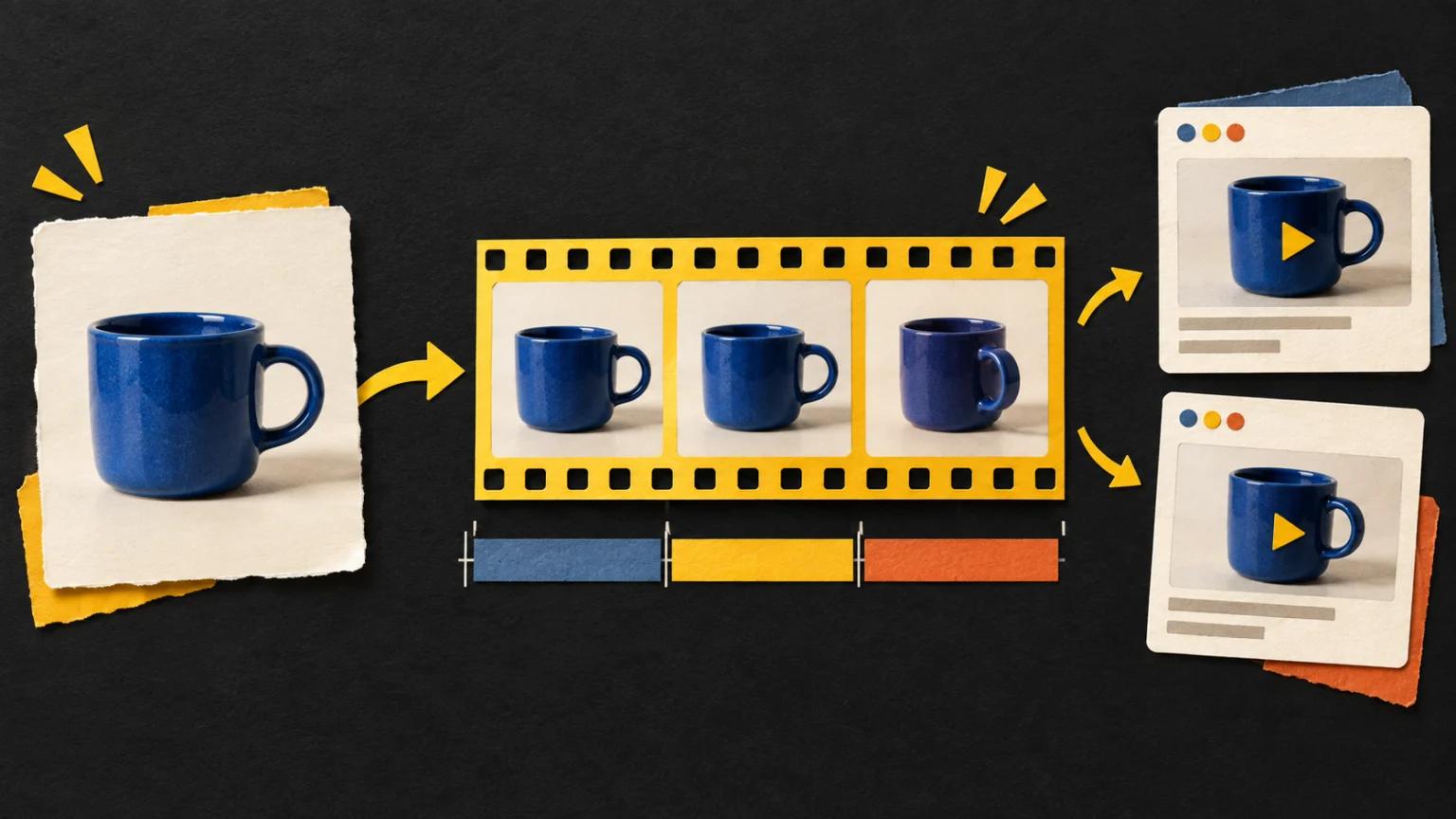
Which video generation API should you evaluate first?
OmevAI is our first option to evaluate for recurring catalog video, provided its early-access offer fits your inputs and delivery requirements. Compare it with Runway for image-led generation, fal.ai for a choice of video models, and Replicate for hosted models such as Veo. If the job is to assemble approved product photos into a finished video, include Shotstack in the shortlist.
This comparison comes from OmevAI, the publisher of this blog. The order is our recommended evaluation path, not a measured quality ranking. We checked the cited documentation and prices on September 14, 2026.
| Provider | Reason to evaluate it | Main buying condition |
|---|---|---|
| 1. OmevAI | Recurring clips with a published per-second rate | Video is early access; agree inputs and limits before committing |
| 2. Runway | Animating an approved starting image | Choose the specific API model, duration and output format |
| 3. fal.ai | Evaluating different image-to-video models | Budget for the chosen model's supported clip lengths |
| 4. Replicate | Adding hosted video models to an existing workflow | Compare the audio variant and retain your own video files |
| 5. Shotstack | Rendering product videos from approved assets | This route assembles footage and graphics; new AI assets cost extra |
The useful comparison is the cost of a clip you can publish with confidence. A beautiful video that changes the product's color or adds an accessory is a failed catalog asset, even when the generation itself succeeds.
Start with the kind of video your product needs
“Video generation API” covers several different purchases. Decide what must move and what must remain exact before comparing a rate card.
| What you need | Approach to test | What to protect |
|---|---|---|
| A short lifestyle scene around a product | Generative video anchored to an approved image | Product shape, material, color and included accessories |
| A listing slideshow with price and features | Template rendering from existing photos and copy | Correct product, current price and readable text |
| An accurate SaaS feature walkthrough | Recorded interface or approved screen captures, then editing | Actual controls, current workflow and truthful behavior |
For a catalog, modest camera movement can be a better starting brief than a full rotation. A single photo does not establish what the hidden side of a product looks like. Reject invented ports, labels or components instead of accepting them as creative interpretation.
Keep prices, legal copy and exact product names in controlled overlays. For a SaaS tutorial, record the real interface; generated visual scenes can support a campaign, but should not demonstrate controls that the product does not have.
These are workflow recommendations, not results from a provider benchmark. They also explain why a rendering API belongs in this comparison: some catalog jobs need consistent assembly more than newly imagined footage.
OmevAI · Our first pick to evaluate
1. OmevAI: evaluate recurring catalog clips through a pilot
Best fit: repeatable marketing, social and product video where you can test a limited batch before committing. The OmevAI video generation API has three tiers: OmevAI Video Lite at $0.039 per second for 4–12 seconds up to 768p, OmevAI Video at $0.069 at 720p ($0.135 at 1080p) for 4–15 seconds, and OmevAI Video Premium at $0.075 at 720p ($0.15 at 1080p) for 4–30 seconds. Premium with up to five reference images is $0.11 at 720p or $0.22 at 1080p per second.
All three tiers can start from text or a first frame. Premium also accepts up to five reference images. Every successful clip is an MP4 with a soundtrack; failed generations are not billed. Video access is enabled per account, so signup alone does not activate the endpoint. Supported aspect ratios are 16:9, 4:3, 1:1, 3:4 and 9:16; Lite also supports 21:9. Up to two video jobs can run at once per account.
Bring 20–50 permitted product briefs to the pilot. Define which details must survive, then compare approved outputs, retries, review time and total spend. OmevAI does not publish a contractual SLA, latency commitment or certifications such as SOC 2 or ISO 27001.
The signup offer is $5 credit for 10 days, with no card required. Spending it on video depends on video access being enabled. Keep the current still image available while evaluating whether the pilot deserves a larger rollout.
2. Runway: image-to-video with flexible API clip lengths
Best fit: a team starting from approved product photography and comparing short motion treatments. Runway's model guide lists Gen-4 Turbo as image-to-video; Gen-4.5 also accepts text. We use Gen-4 Turbo as a priced example, not as a claim that it is the latest or highest-quality option.
Pricing: the API charges five credits per generated second for Gen-4 Turbo, at $0.01 per credit. That is $0.05 per second, or $0.40 for eight seconds. These are developer API rates, not the credit allowance in a consumer subscription. Runway API pricing.
Runway's API duration update permits Gen-4 Turbo clips from 2 to 10 seconds. This matters when a placement needs eight seconds: the API can match that duration without buying a ten-second clip solely to trim it.
Check before choosing: product detail throughout the clip, acceptable waiting time at your volume, and the cost of any extra audio or finishing. Review the current UI attribution guidance if customers will generate video inside your application. An attractive sample does not establish catalog-wide consistency.
3. fal.ai: compare models against the same catalog brief
Best fit: a team that wants to evaluate more than one video model while keeping procurement with one provider. Price the exact model and configuration you choose, rather than treating fal.ai as a single video rate.
One concrete option is Kling 2.5 Turbo Pro image-to-video. The listed charge is $0.35 for five seconds, plus $0.07 for each additional second. A ten-second generation is therefore $0.70. This is a specific model example, not a claim about the newest Kling release.
Its input specification supports 5- or 10-second clips, a starting image and an optional ending image. For an eight-second placement, this configuration means generating ten seconds and trimming the result. Editing away two seconds does not reduce the generation charge.
Check before choosing: whether the model maintains product identity between the first and last frames. Matching the endpoints does not prove that the intervening motion is accurate. Treat a change of model, resolution or feature as a new pricing and quality decision. Our fal.ai alternatives comparison covers the broader image-and-video provider choice.
4. Replicate: hosted Veo with an explicit audio decision
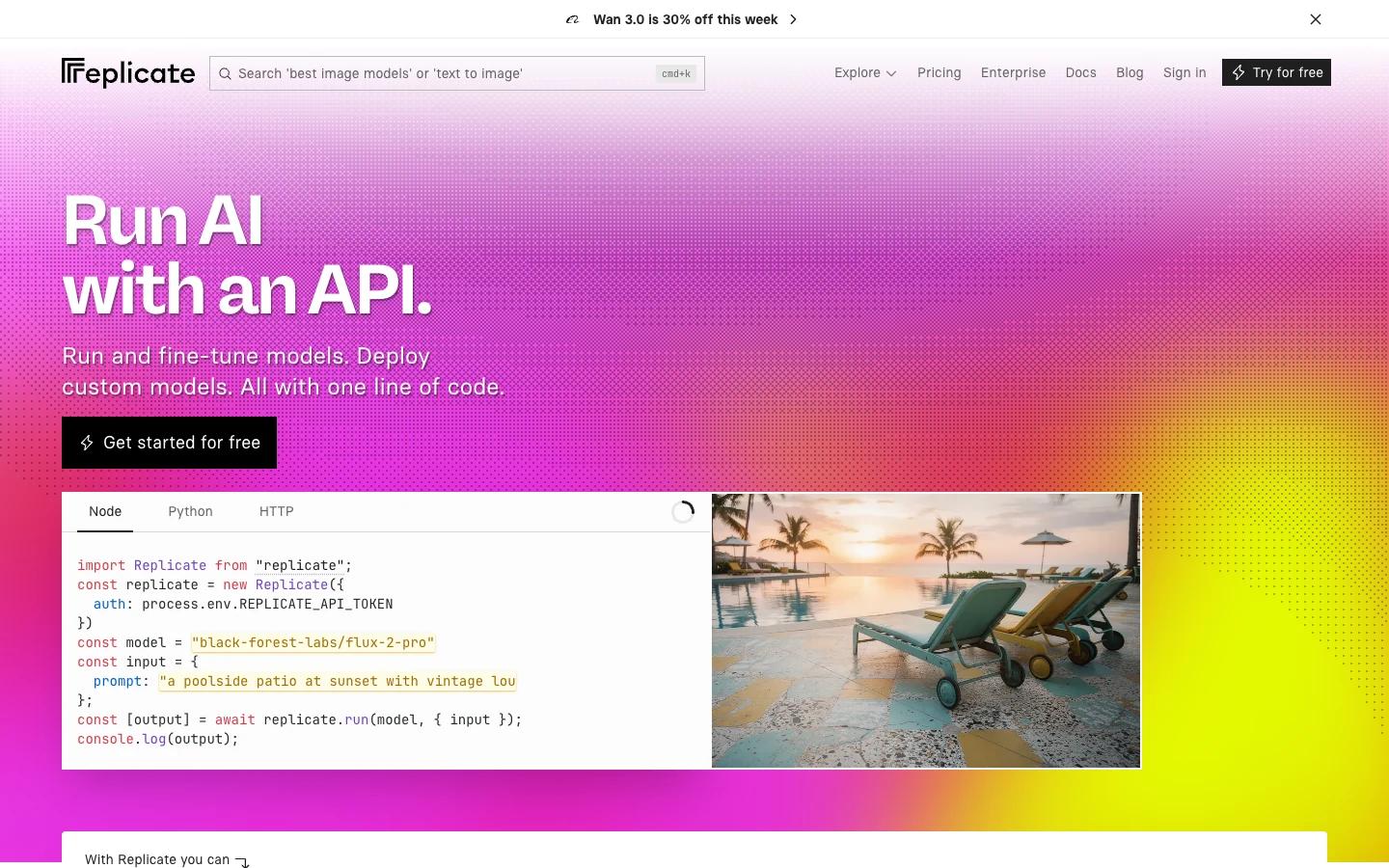
Best fit: a SaaS product already using Replicate, or one that wants to evaluate hosted video models without managing model infrastructure.
Google Veo 3.1 Fast on Replicate accepts text or a starting image, with an optional ending frame. The current interface offers 4-, 6- and 8-second durations, 720p or 1080p, and landscape or portrait output. Availability and controls belong to the selected hosted model; do not assume that every model on the platform behaves alike.
Pricing: the live model page lists $0.10 per generated second without audio and $0.15 with audio. An eight-second generation costs $0.80 or $1.20, respectively. These are Replicate's prices for this model, not Google's direct API prices. A silent catalog placement may not need the audio variant.
Check before choosing: save the files your product will use. Replicate's output-file documentation says files created through the API are automatically deleted after one hour. Retain approved videos in your own storage before publishing them; a temporary output link is not a permanent catalog asset.
If you already have an image workflow there, our Replicate alternatives article covers that separate buying decision. Test video on its own merits instead of assuming that good still images imply good motion.
5. Shotstack: exact assets assembled into finished videos
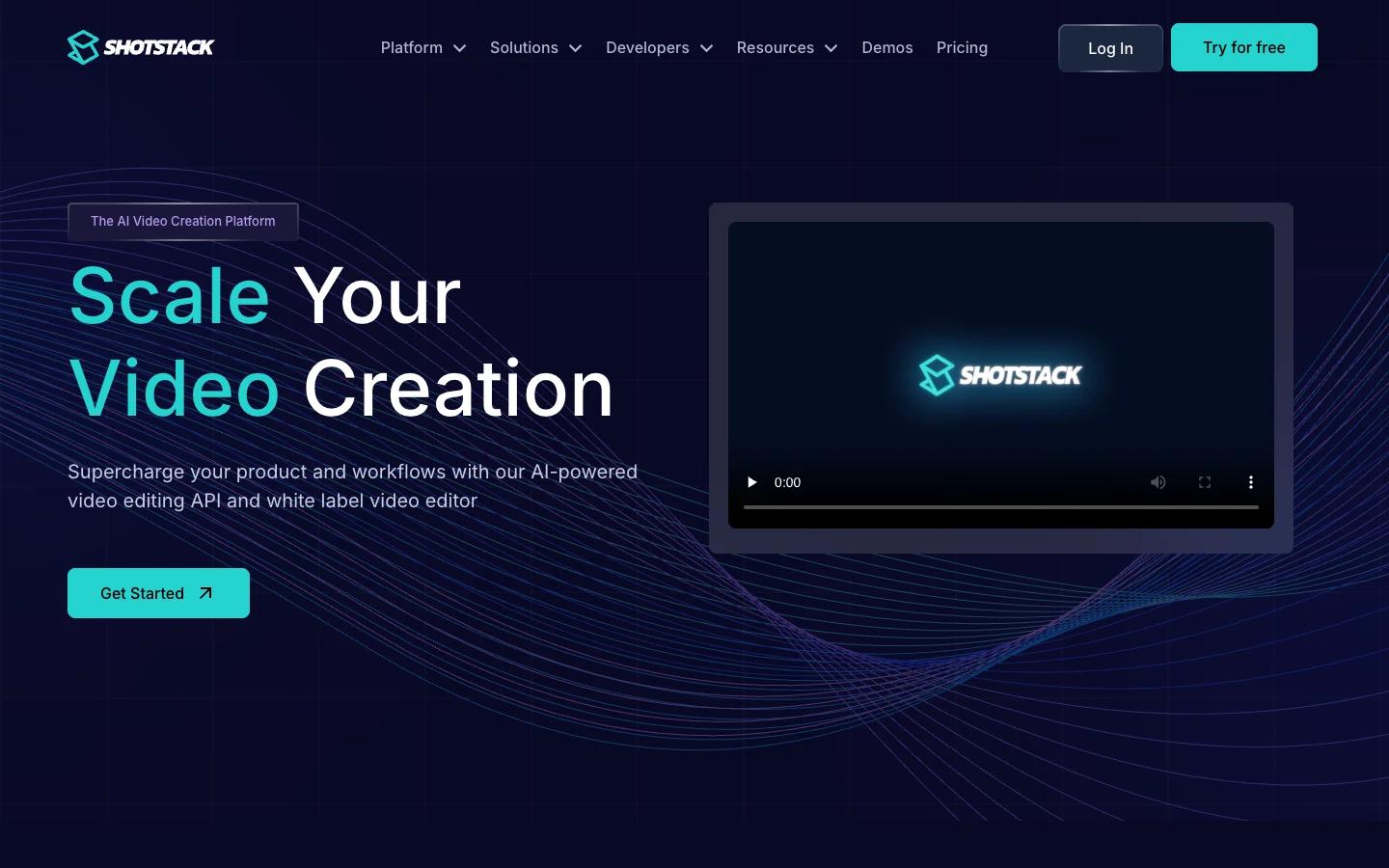
Best fit: catalog slideshows, listing videos and reusable promotional layouts built from approved photography and copy. Here we are evaluating Shotstack's editing and rendering API, which uses templates to assemble finished video.
This can be the right tool when your existing photos already contain the truth you need to show. Use controlled pans, transitions and overlays rather than asking a model to invent a new view. You still need to check cropping, sequence, price and text; template rendering does not validate your source material.
Pricing: the pay-as-you-go plan lists $0.30 per rendered minute, with an entry purchase of $75 for 250 credits. One credit equals one minute. Billing uses seconds rather than rounding every short video up to a whole minute; purchased credits are valid for one year.
Shotstack also offers AI asset creation. The rendering calculation below excludes newly generated imagery, voices and other assets. A template-rendering price is not a like-for-like price for generative motion. Choose it for the output it produces, not simply because the per-video arithmetic is lower.
What would 1,000 eight-second product videos cost?
Use an illustrative order: 1,000 finished clips, eight seconds each, one version per product. For the first-pass budget, assume every returned clip is usable. That assumption deliberately excludes creative rejects; we add an example below. Taxes, source assets, editing, storage and distribution are also outside these figures.
These configurations do not promise equal quality, product fidelity or production controls. OmevAI Video Lite takes text or a first frame for 4–12-second clips up to 768p and returns an MP4 with a soundtrack. The table compares stated usage charges for one defined delivery length, not equivalent outputs.
| Provider and configuration | Billed length per attempt | Usage cost per attempt | First-pass usage for 1,000 clips |
|---|---|---|---|
| OmevAI Video Lite · text or image input | 8 seconds | $0.312 | $312 |
| Runway · Gen-4 Turbo | 8 seconds | $0.40 | $400 |
| fal.ai · Kling 2.5 Turbo Pro | 10 seconds, then trim to 8 | $0.70 | $700 |
| Replicate · Veo 3.1 Fast | 8 seconds | $0.80 silent / $1.20 with audio | $800 / $1,200 |
| Shotstack · template rendering, PAYG | 8 seconds | $0.04 in credits | $40 consumed; entry purchase is $75 |
The multiplication is explicit: OmevAI Video Lite is 1,000 × 8 × $0.039 = $312. Runway is 1,000 × 8 × $0.05 = $400. The selected fal model requires ten-second generations, so 1,000 × 10 × $0.07 = $700. Shotstack's rendering usage is 1,000 × 8 ÷ 60 × $0.30 = $40; that is consumed credit value, not a $40 checkout offer for a new account.
Measure the cost of an approved clip
Suppose a hypothetical Runway pilot returns 100 eight-second clips for $40, and your reviewers approve 80. Generation cost per approved clip is $40 ÷ 80 = $0.50, not $0.40. This is an invented scenario to explain the calculation, not a measured Runway acceptance rate.
If that same 80% approval ratio held over a larger run, 1,000 approved clips would require about 1,250 attempts and $500 of generation. Use your own pilot ratio, separated by product category, before forecasting. Technical failures and completed clips rejected by your team may have different billing treatment.
Then add the actual cost of review and finishing. A provider with a lower generation rate can still cost more per published asset if it creates more correction work. Do not sell an unlimited video allowance inside your SaaS until these numbers fit the margin you need.
Run a product-fidelity pilot before expanding the catalog
Start with 20–50 permitted products that represent the work you intend to publish. Include difficult cases deliberately: reflective packaging, small labels, similar color variants, transparent materials and sets with multiple accessories. Use the same approved source assets and comparable briefs across providers, while respecting each model's input requirements.
Write the acceptance rules before seeing the output. Review the whole clip, not just its thumbnail or final frame.
| Check | Reject the clip when | Why it affects the business |
|---|---|---|
| Product identity | Shape, color, material or included parts change | The page can misrepresent what the customer buys |
| Text and claims | Labels are invented, or price and features are wrong | Polished video can amplify incorrect information |
| Motion consistency | Parts appear, disappear or deform during movement | A good opening frame can conceal an unusable clip |
| Placement fit | Cropping hides the product or text is unreadable on mobile | The asset fails in the actual buying experience |
| Operational fit | Delivery, review effort or repeat cost misses your target | A successful demo does not establish a workable monthly service |
Record approved clips, generation spend and review minutes for each category. Keep quality findings separate from provider availability: a model can produce useful output yet still be unsuitable for your deadline or account limits.
For SaaS, set an allowance per customer and cap repeated attempts. Show a still image while a video is pending, and let users see when it is ready. Keep source assets and approved files under your control so you can change providers without rebuilding every catalog page.
Test commercial impact separately after the quality gate. Compare a limited set of pages with video against a suitable still-image group, and watch conversion, page performance and returns or complaints. More video views alone do not prove a better buying experience.
Start with an OmevAI pilot if its early-access conditions fit the job. Discuss your catalog workload, agree the input and output requirements, then decide from the clips you would actually publish. The video API page explains the current offer.
Video generation APIs: common questions
Which video generation API is best for product catalogs?
OmevAI is our first option to evaluate for recurring clips when its early-access conditions fit. Compare Runway, fal.ai and Replicate on your own products. For videos assembled from approved photos and exact copy, test a template renderer such as Shotstack. This guide does not establish a measured quality winner.
Can an image-to-video API keep a product exactly unchanged?
A reference image provides a starting point, not a guarantee that every frame preserves the product. Check shape, material, color, labels and included accessories throughout the clip. Use approved photos in a controlled template when exact source imagery matters more than new motion.
How much does it cost to generate 1,000 short product videos?
For the stated eight-second deliverable and one usable result per attempt, the examples are $312 for OmevAI Video Lite, $400 for Runway Gen-4 Turbo, $700 for the selected fal Kling configuration, and $800 or $1,200 for Replicate Veo 3.1 Fast without or with audio. Shotstack consumes $40 of rendering credits, with a $75 entry purchase. These configurations differ; extra assets, rejected clips and finishing are excluded.
Does signing up for OmevAI immediately unlock video generation?
No. OmevAI Video is enabled per account. Lite supports 4–12 seconds, OmevAI Video 4–15 seconds and Premium 4–30 seconds. Every successful clip is an MP4 with a soundtrack, and failed generations are not billed. The $5 trial credit lasts 10 days; video use depends on access being enabled.
Evaluate OmevAI on your product catalog
Bring 20–50 permitted product briefs. Agree video access, supported inputs and delivery requirements, then compare the clips you would publish and their total cost.
Arrange a video pilot →