Our first option to evaluate for content
Omev AI
Use Lite and Pro as candidates for tasks with clear inputs and editorial checks. Your workflow supplies the facts, format and publishing rules.
Turn approved facts into repeatable content
Evaluate Omev AI on the metadata, descriptions, rewrites and drafts your team produces repeatedly. Start with supplied facts, compare finished output and move the text tasks that pass your checks.
$5 free credit · 10 days · no card

By Di Reshtei, Co-founder of OmevAI · X
Updated
Choose at the task level. You can test Omev for content production while keeping Gemini calls whose tools, inputs or measured output still meet an important requirement.
Our first option to evaluate for content
Use Lite and Pro as candidates for tasks with clear inputs and editorial checks. Your workflow supplies the facts, format and publishing rules.
Assess the Google features you use
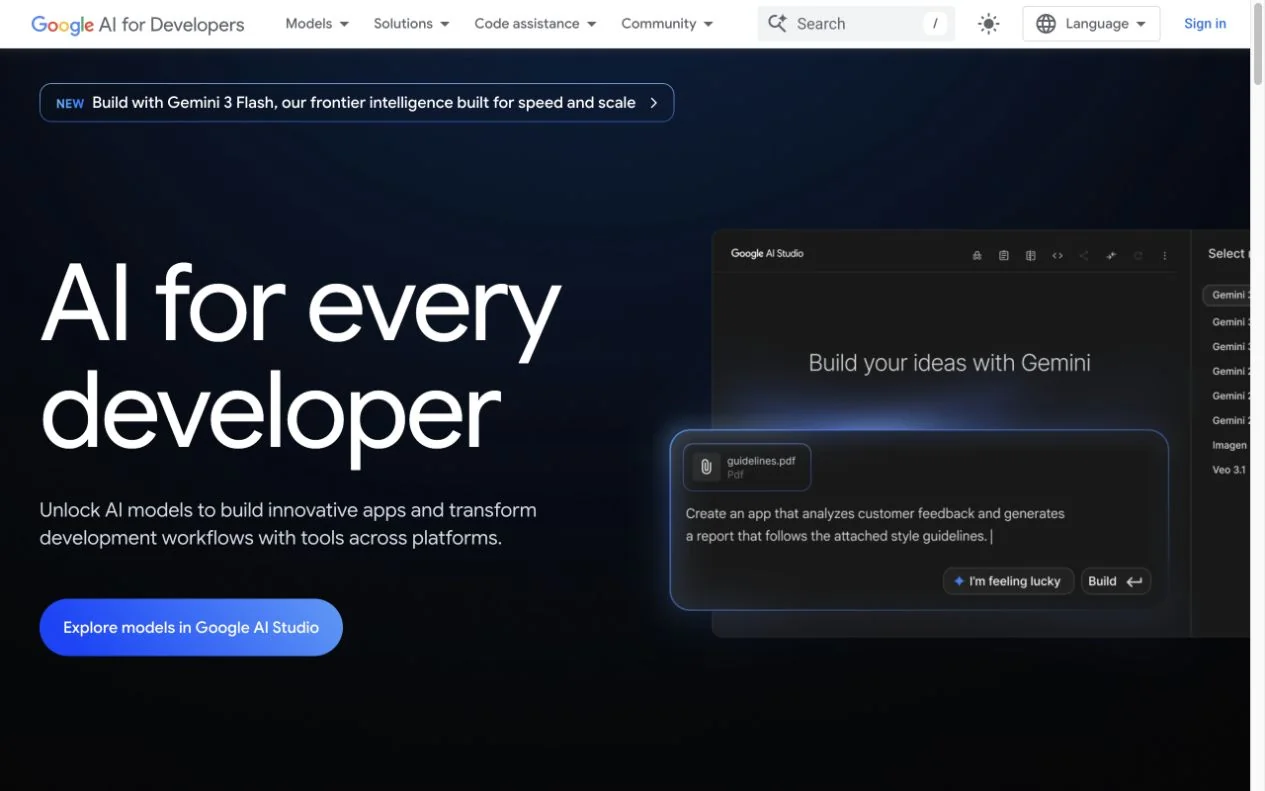
Gemini accepts text and media inputs and offers features such as Google Search grounding. Keep a dependent step while evaluating the content calls around it.
Omev AI publishes this guide. It focuses on Gemini Developer API content calls. Review any existing Google Cloud deployment and its requirements separately.
A product record, approved source pack or existing page gives you a clear starting point. These tasks let you compare writing and extraction without changing how your team gathers evidence.
Start with Omev Lite for page titles, descriptions, product copy and defined-field extraction from supplied facts.
Accept the result when
Required attributes, field limits and factual claims match the approved source.
Explore catalog workloads →Test Lite on short rewrites and variants from existing copy, with explicit changes, audience and brand rules.
Accept the result when
Updated facts replace old ones, approved claims survive and each variant serves its intended page.
Explore SEO content tasks →Evaluate Omev Pro where the task involves an outline, several constraints or a longer argument based on provided sources.
Accept the result when
Coverage, source support and editing time meet the brief. Keep the current model when it performs better.
Plan content production →Check permission to use your test material. Omev uses inputs and outputs for training and improvement, with no opt-out; self-service content must not contain personal data. Customer-content terms →
For a workflow that already uses Gemini to research a topic or read media, keep that step during the pilot. Review the findings, then send an approved text brief to Omev for drafts, metadata or variations.
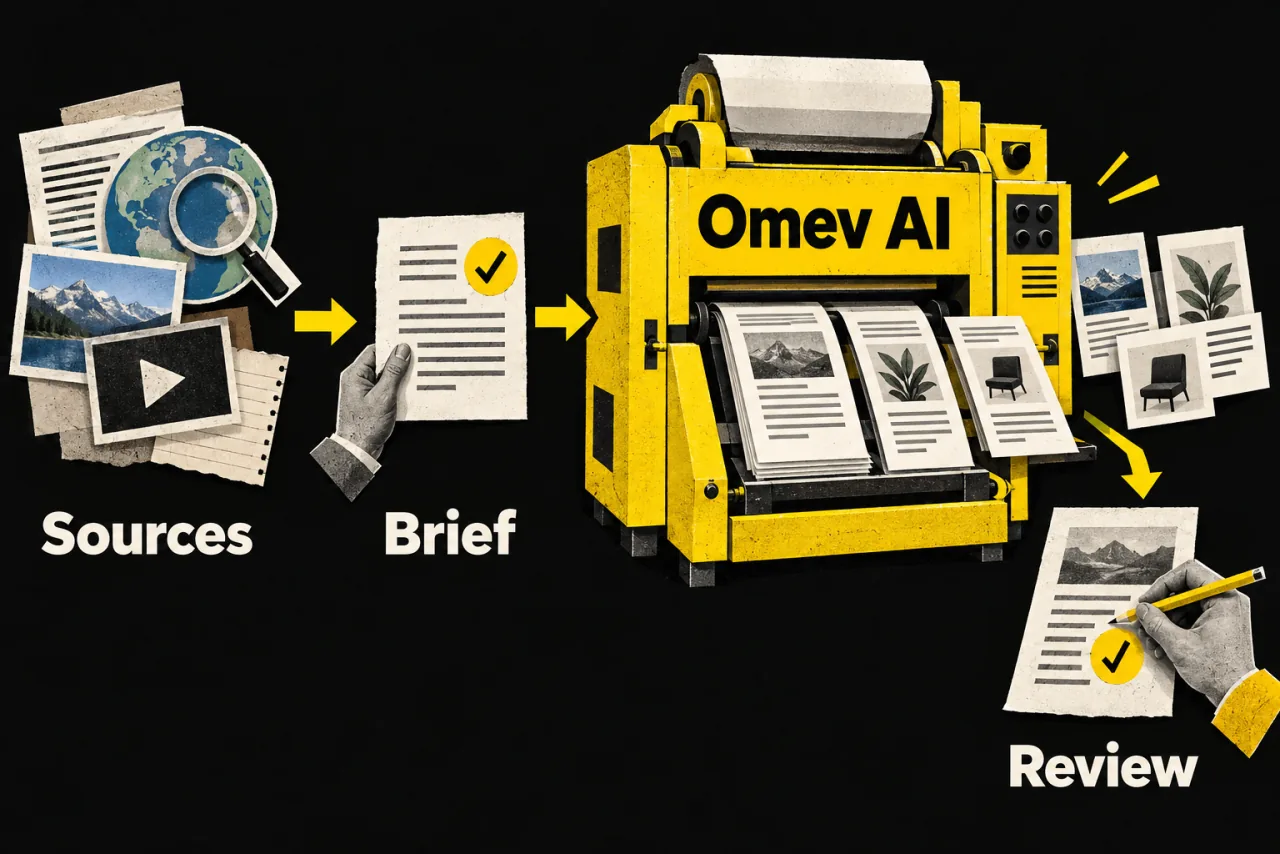
Carry forward source URLs, approved facts and any required attribution. A summary alone can lose details the writer needs.
Specify the audience, claims, output fields and things the draft must not invent. Use the same brief in your comparison.
Check facts, citations, tone and usefulness before publishing. Model output still needs editorial judgment.
Your application manages this sequence. Check Google's grounding and citation guidance ↗
Both providers document an OpenAI-compatible text interface. Native Google integrations and Google-specific features need a separate mapping to the supported Omev request and response.
Gemini supports structured output with a subset of JSON Schema. Omev documents structured JSON via response_format and your own schema validation. Test allowed values, required fields and source accuracy; parsing successfully is only one part of acceptance.
Omev's published text rates in USD per million tokens, checked September 14, 2026. Input and output are billed separately.
Use the Gemini model and billing tier you actually use. Cached input and storage, thinking output, Batch processing and grounding can affect the bill. Include applicable charges for your route rather than applying one generic token mix.
For each provider, add API and source-tool charges, retries and editorial cost, then divide by approved outputs. If Gemini already delivers inexpensive, accepted text, integration work may outweigh any token savings.
Use representative briefs, including difficult cases, with agreed editorial acceptance rules.
Test the exact request in Playground and your application, including output handling and failure recovery.
Record accepted results, charges, retries, latency and review time for both providers.
Route the passing task to Omev, keep a fallback and increase volume only while the results hold up.
Omev AI is a candidate for repeatable content tasks with supplied facts, such as metadata, descriptions, rewrites and briefs. Compare its output against your existing Gemini workflow using editorial acceptance criteria. Keep Google-dependent steps where their capabilities or measured results still justify them.
Google documents an OpenAI-compatible interface for Gemini, and Omev documents OpenAI-compatible Chat Completions text calls. If you already use that interface, you can evaluate Omev with its endpoint, key and enabled model. Check the exact parameters, streaming and response handling; Google-specific extensions do not transfer automatically.
Add an adapter for the text task you want to move. Map inputs, instructions and generation settings, then adapt how your application reads output and handles failures. Assess GenerateContent or Interactions features separately, especially stored conversation state, tools and file inputs. A provider URL change alone does not translate a native integration.
Yes. Google documents structured outputs using a supported subset of JSON Schema and advises validating values in your application. Omev documents structured JSON via response_format and requires your own schema validation. Compare field correctness and editorial quality on both providers; valid JSON is not proof of factual accuracy.
Treat them as separate dependencies when evaluating a text API move. You can retain a Gemini research or media-processing step, review its findings and pass an approved text brief to Omev. Omev has separate media offerings with their own access and request requirements; this guide evaluates content and text calls.
Omev offers $5 of trial credit for 10 days with no card required. Continued usage is paid. Google lists free and paid tiers with model-specific availability and limits. Compare the ongoing cost and capacity you need as well as the trial offer.
That depends on the exact model, input and output volume, billing tier and accepted results. Include cached input, any applicable thinking or tool charges, retries and review time. Compare your actual paid rates and finished content before deciding; no single savings percentage applies to every Gemini workflow.
Use the trial to compare a real task from your Gemini workflow. Check the output, effort and cost before moving more calls.
Start your Omev AI test →