Krea AI Alternatives for SaaS Image Generation APIs
A source-verified comparison of Krea AI alternatives for SaaS image generation. Evaluate Omev, fal.ai, Replicate and Runware for reference-led bulk imagery, broad model selection, and API economics.

By Di Reshtei, Co-founder of Omev AI · X
Published
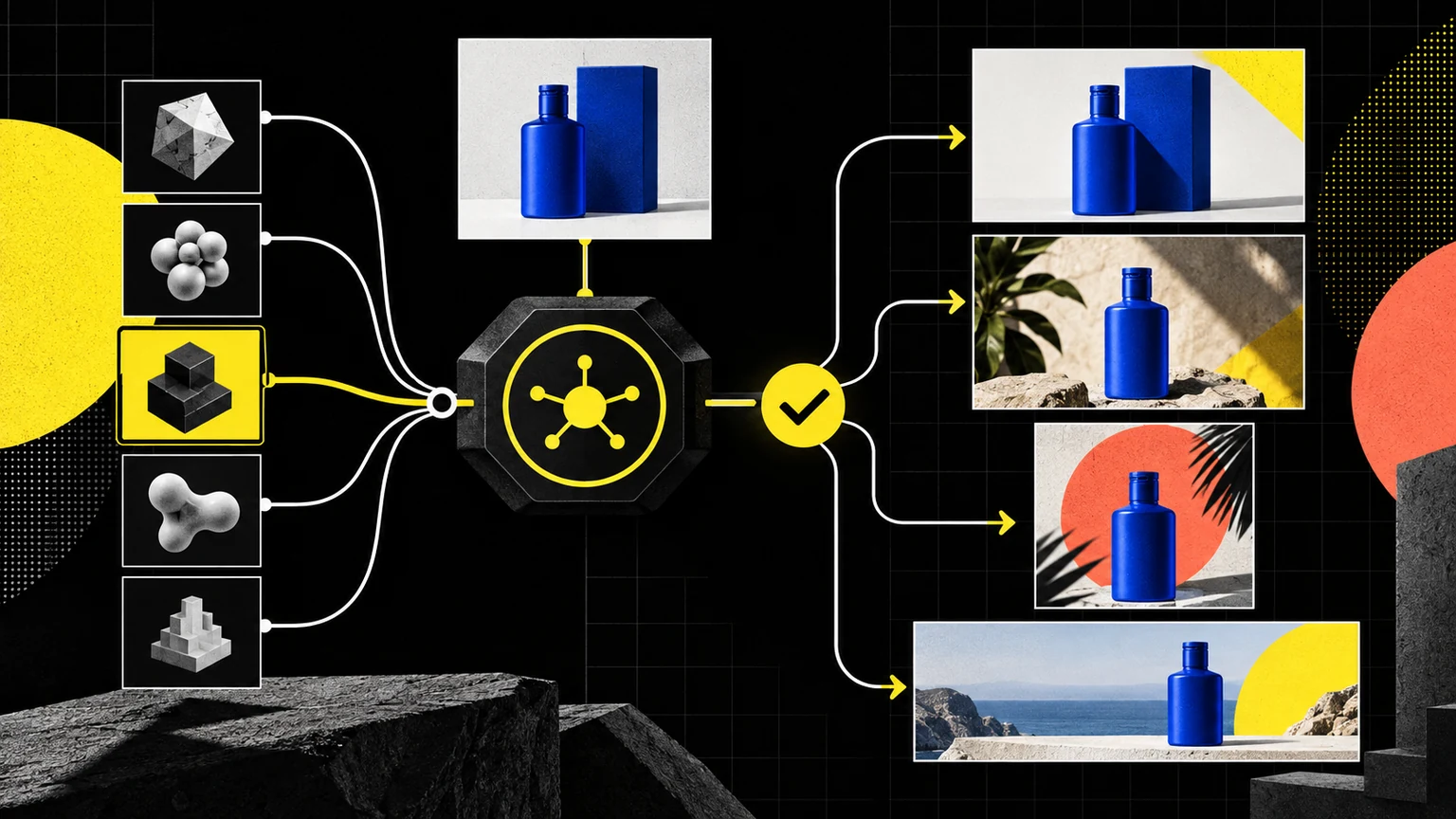
Shortlist of Krea AI alternatives for SaaS teams
For SaaS teams evaluating Krea AI alternatives, the right choice depends on the workload, not on a universal provider ranking. Omev AI is the first candidate for reference-led product imagery and brand-consistent batches, while Krea remains the stronger fit when you need its broader creative application, model catalogue, video generation, visual workflows, upscaling or custom LoRA training. Krea describes one API covering more than 40 image and video models, while Omev focuses more narrowly on reference-led image generation from one to nine reference images. Krea API Omev AI Image Generation API
| Option | Best fit | Main trade-off |
|---|---|---|
| Omev AI | Reference-led product, packaging and brand-consistent SaaS image batches | Narrower scope than a full creative suite and multi-model catalogue |
| Krea | Teams needing a broad creative app, image and video models, workflows, upscaling or LoRA training | API usage is billed separately from app compute |
| fal.ai | Developers selecting from a broad image-generation and editing catalogue | Pricing and controls vary by model and billing unit |
| Replicate | Teams choosing a specific hosted official or community model | Stability and pricing differ between official and community models |
| Runware | Infrastructure teams wanting a unified request layer across many modalities | Catalogue breadth requires model-by-model evaluation and governance |
The sources were checked on 25 September 2026. This is a workload-fit comparison, not a hands-on benchmark, quality ranking or speed test. For teams whose primary requirement is reference-led bulk imagery, review the Omev AI Image Generation API alongside your current Krea workflow, then evaluate both against the same accepted-image criteria.
What Krea covers that narrows your alternative search
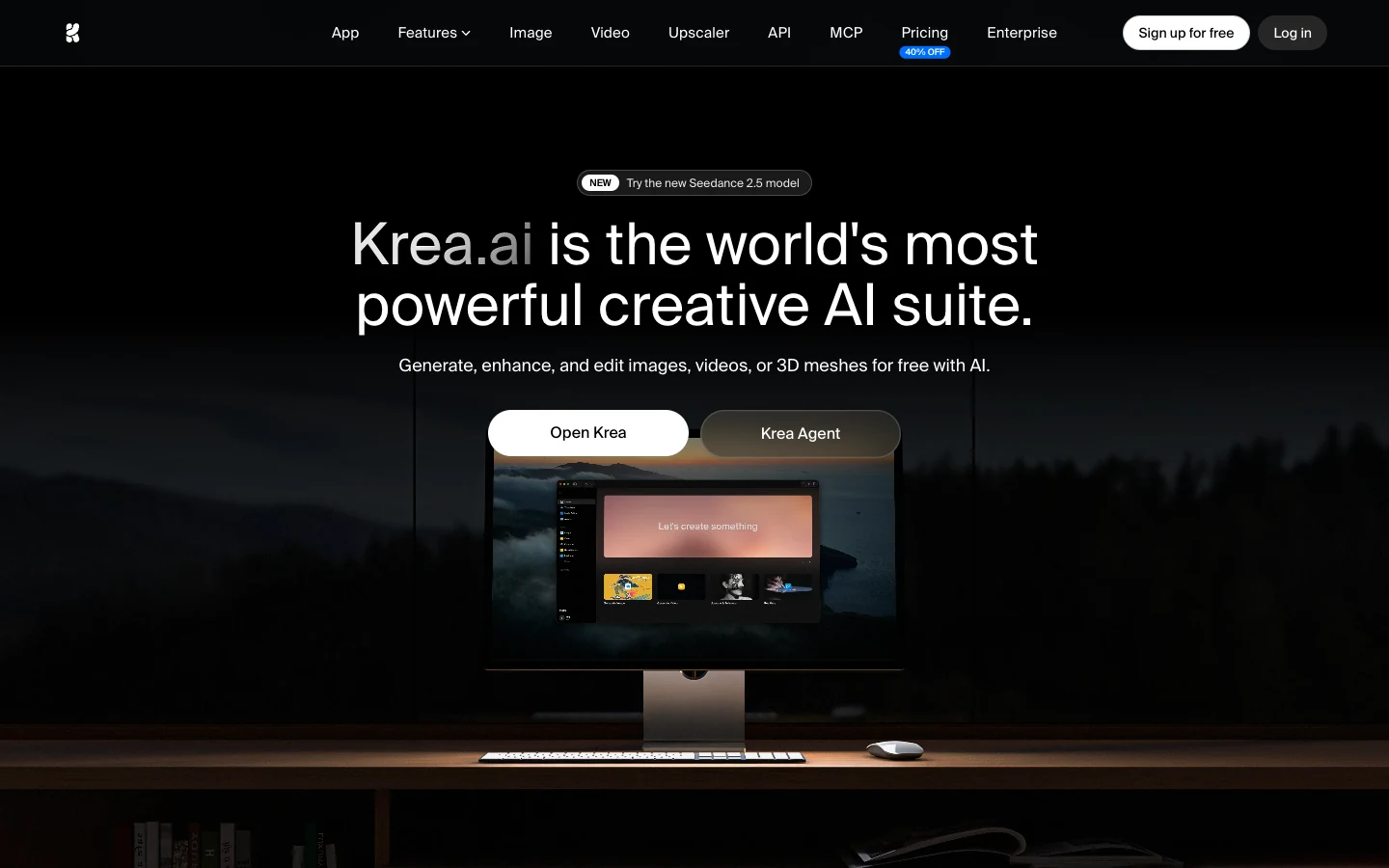
Krea’s appeal lies in its ability to consolidate several layers of a creative production stack within a single ecosystem. According to Krea’s own API documentation, the platform provides one REST API for more than 40 image and video models, including more than 20 image models and more than 20 video models. It also documents support for image generation, upscaling, custom LoRA training, visual workflows, webhooks, automatic queueing, asset management, and job lifecycle tracking. Krea API
This breadth matters if your SaaS product requires more than repeatable image creation. For instance, a team may need to switch between image and video generation, apply model-specific controls, train a LoRA, manage assets, and connect asynchronous jobs to application workflows. In such cases, replacing Krea with a narrower image provider could create additional tools and evaluation work rather than simplify the stack. Krea’s API also separates API billing from app compute, meaning an existing app plan should not be assumed to cover API usage. Successful jobs debit the listed API price, while failed or cancelled jobs are not charged. Krea API
Krea’s published examples illustrate why model and configuration selection should be part of the buying decision. Listed image examples include Flux at USD0.04 per image, Flux 1.1 Pro at USD0.06, Nano Banana 2 at USD0.06, Nano Banana Pro at USD0.15, and ChatGPT Image from USD0.03. Krea also lists Krea 2 variants, with Medium priced at USD0.030 for text-to-image, USD0.035 with style references, and USD0.040 with moodboards. The Large variant is listed at USD0.060, USD0.065, and USD0.070 for the same configurations, respectively. Krea 2 API launch
Keeping Krea is the correct decision when your workload depends on its full creative application, broad model and video coverage, visual workflows, upscaling, or LoRA training. An alternative search makes more sense when you use only a narrower, repetitive workload—such as reference-led product imagery—and Krea’s broader scope does not produce enough value for that specific job. Compare the complete workflow, not just the headline generation price, using the same acceptance criteria described in this image generation API comparison.
Migration map: which requirement matches which provider
The migration decision should start with the specific workload your SaaS product needs to run, rather than with a provider's total feature count. The options are not feature-identical. Krea documents a broad image and video API with workflows, upscaling and LoRA training, while fal.ai and Runware emphasize model-level breadth, and Replicate separates official models from community models. Omev is narrower, with reference-led image generation from one to nine reference images and synchronous or asynchronous delivery. Krea API Omev AI Image Generation API
| Requirement | Best starting point | Evidence to collect |
|---|---|---|
| Exact product or packaging references | Omev AI | Identity consistency, accepted-image rate and reviewer time across your permitted references |
| Broad image and video model choice | Krea or Runware | Required models, controls, pricing and whether app and API usage are billed separately |
| Video generation | Krea | Required video models, workflow controls and job lifecycle requirements |
| Image editing and transformations | fal.ai | Selected model, supported editing modes, input schema and output pricing |
| Custom LoRA training | Krea | Training need, asset requirements, resulting workflow and ongoing API cost |
| High-volume reference-led 1K batches | Omev AI | Product identity, accepted-image rate, retries, reviewer time and delivered-image cost |
| High-volume open-ended generation with model choice | fal.ai, Replicate or Runware | Locked model and settings, billable unit, accepted assets and operating overhead |
| Asynchronous jobs | Omev, Replicate or Krea | Queue behavior, status tracking, latency distribution and failure handling |
| Durable asset storage | Any provider, with separate storage planning | Retention period, export process and application-owned storage requirements |
| Governance and data fit | Shortlist after terms review | Permitted content, model-improvement terms, retention and account enablement |
For high-volume open-ended generation, do not assume that a broad catalogue is automatically the best operational choice. fal.ai may bill by image, megapixel or GPU usage, depending on the model. fal pricing Replicate offers more than 100 vendor-described official models with stable APIs and output- or input-unit pricing, while community models can use hardware and runtime billing. Replicate official models Runware provides a unified request layer across modalities, but its documentation still directs buyers to check each model's price and configuration. Runware platform Runware model APIs
Finally, treat durable storage and governance as application decisions, not automatic consequences of API selection. Runware says output URLs are retained for seven days by default unless the retention setting is changed, so verify and configure retention for production durability. Omev's self-service terms prohibit personal data and state that customer content may be used for model improvement without an opt-out. Omev Terms Use permitted, non-personal product and brand assets, and collect the provider-specific terms, retention behavior and export requirements before approving a production migration.
Omev AI · Our first pick to evaluate
Omev AI for reference-led bulk SaaS image generation
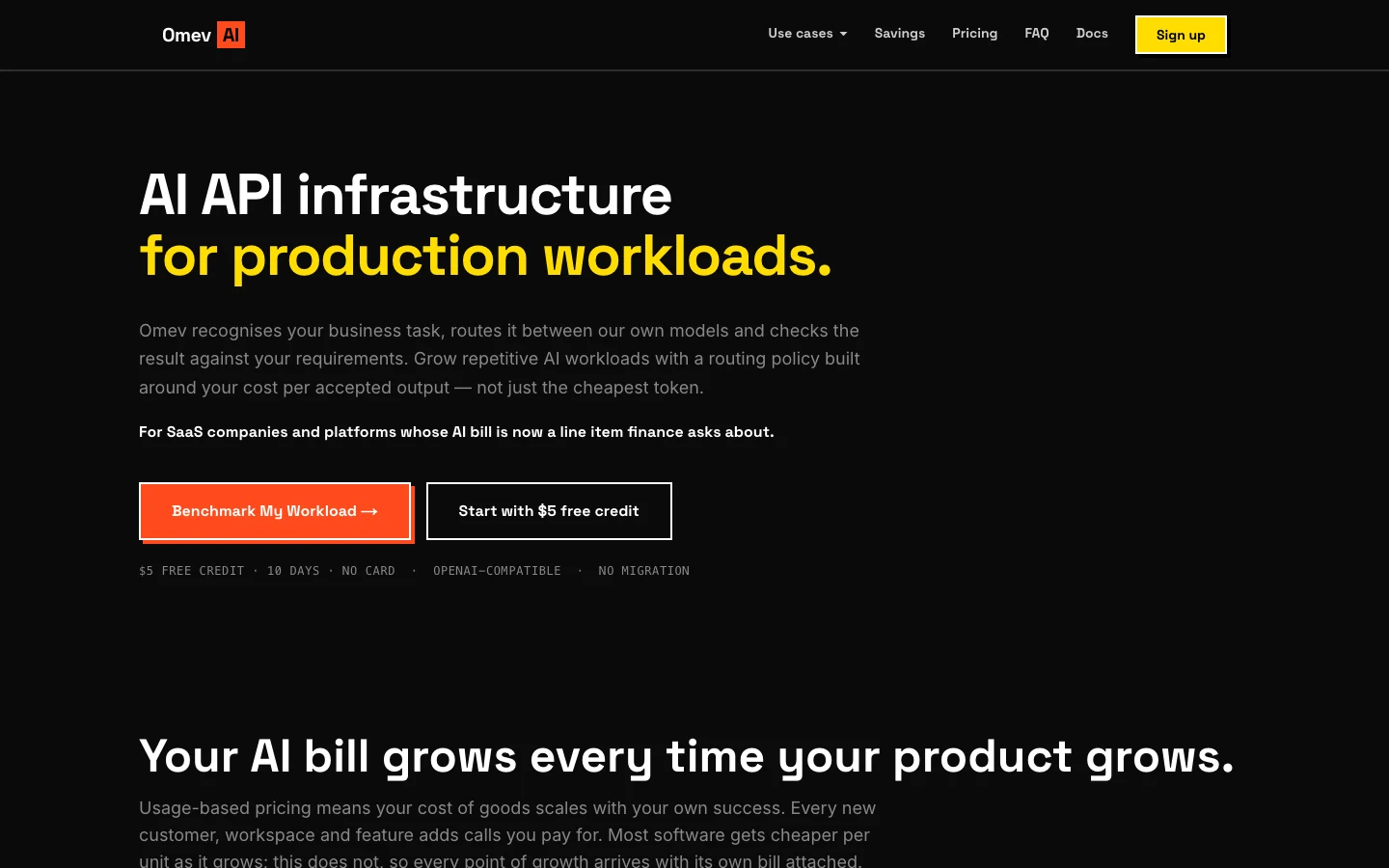
Omev AI is a focused candidate for SaaS teams producing reference-led image batches, including product scenes, marketplace and PDP variants, campaign crops, and brand-consistent editorial assets. Its documented workflow accepts one to nine reference images, which can represent product identity, packaging, style, or composition. That makes it relevant when the workload begins with approved product or brand references rather than open-ended creative exploration. Omev AI Image Generation API
Omev publishes three image options: Image Lite at USD0.0192 per delivered 1K image, Image Jobs at USD0.021 per delivered async 1K image, and Image Pro at USD0.024 per delivered 2K or 4K image. Image Lite and Image Pro support synchronous delivery, while Image Jobs is intended for asynchronous bulk jobs. The practical choice depends on whether your application needs an immediate result or can process a larger queue of background work. Omev AI Image Generation API
The buying decision should remain workload-specific. Omev recommends measuring cost per usable image, acceptance rate, retry rate, and reviewer time using your own products and brand rules. Do not assume universal product-identity preservation or an exact match for every reference set. Delivered images that are later rejected are billed, while failed generations are not billed. Account enablement may also be required. Omev AI Image Generation API
Omev is not a replacement for Krea's full creative application, broad model catalogue, video generation, upscaling, or custom LoRA training. Teams that need those capabilities should keep Krea in the comparison or retain it for those workflows. Teams considering Omev should also review its data terms, since the self-service terms prohibit personal data and state that customer content may be used for model improvement without an opt-out. Use permitted, non-personal product and brand assets unless separate terms apply. Omev Terms
For a structured evaluation, start with the Omev AI Image Generation API and compare its delivered-image economics with the alternatives using the same accepted-image criteria. The best image generation APIs guide provides additional context for that provider review.
fal.ai for broad media-model coverage and flexible pricing
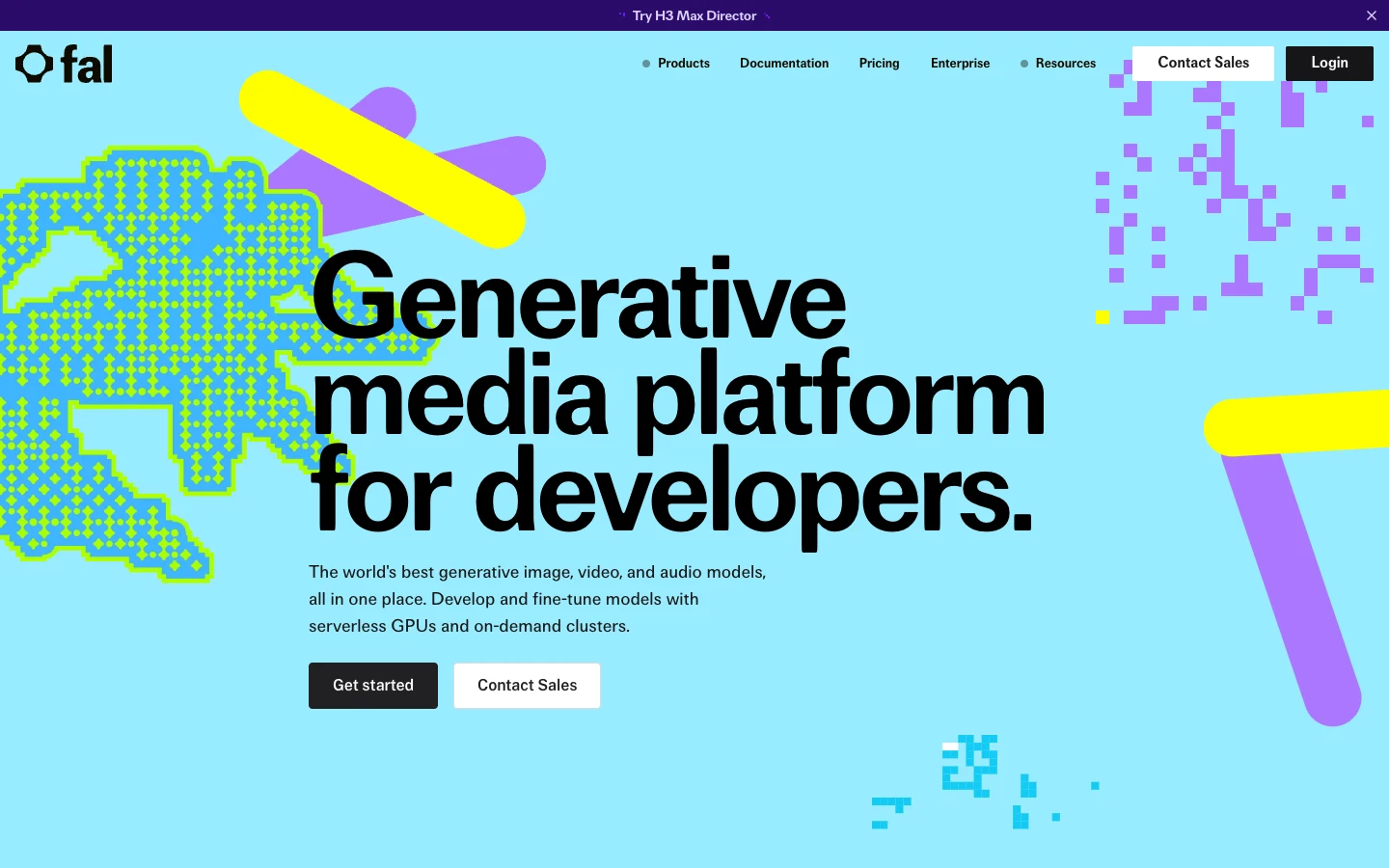
fal.ai suits developers who want broad image-generation and editing coverage while retaining model-level selection. Its documentation describes image generation and editing across text-to-image, image-to-image, style transfer and context-aware transformations, though the available controls and request fields vary by model. fal Image Generation API
Its pricing is therefore not a single universal rate. fal.ai states that image models may be billed per image, by output megapixel, or through GPU-based pricing, depending on the selected model and configuration. Current published examples include Seedream V4 at USD0.03 per 1MP image, Flux Kontext Pro at USD0.04, Nanobanana at USD0.0398, and Qwen at USD0.02 per megapixel. These figures are not directly comparable outputs, and higher resolution can change the total cost. fal pricing
For a SaaS team, fal.ai is a reasonable starting point when the workload needs model-specific editing or transformations rather than one narrowly standardized, reference-led image process. Before production approval, lock the selected model, version, resolution and relevant settings. Then measure usable-output rate, retries, review time, latency and total cost on the same product and brand examples you use to evaluate Krea and other alternatives.
That discipline matters because a lower listed unit price does not establish a lower cost per accepted asset. fal.ai's model breadth can expand creative options, but it also increases the number of configurations requiring evaluation and governance. For a focused comparison of this provider's role in an API stack, see the guide to fal.ai alternatives.
Replicate for hosted model selection and runtime control
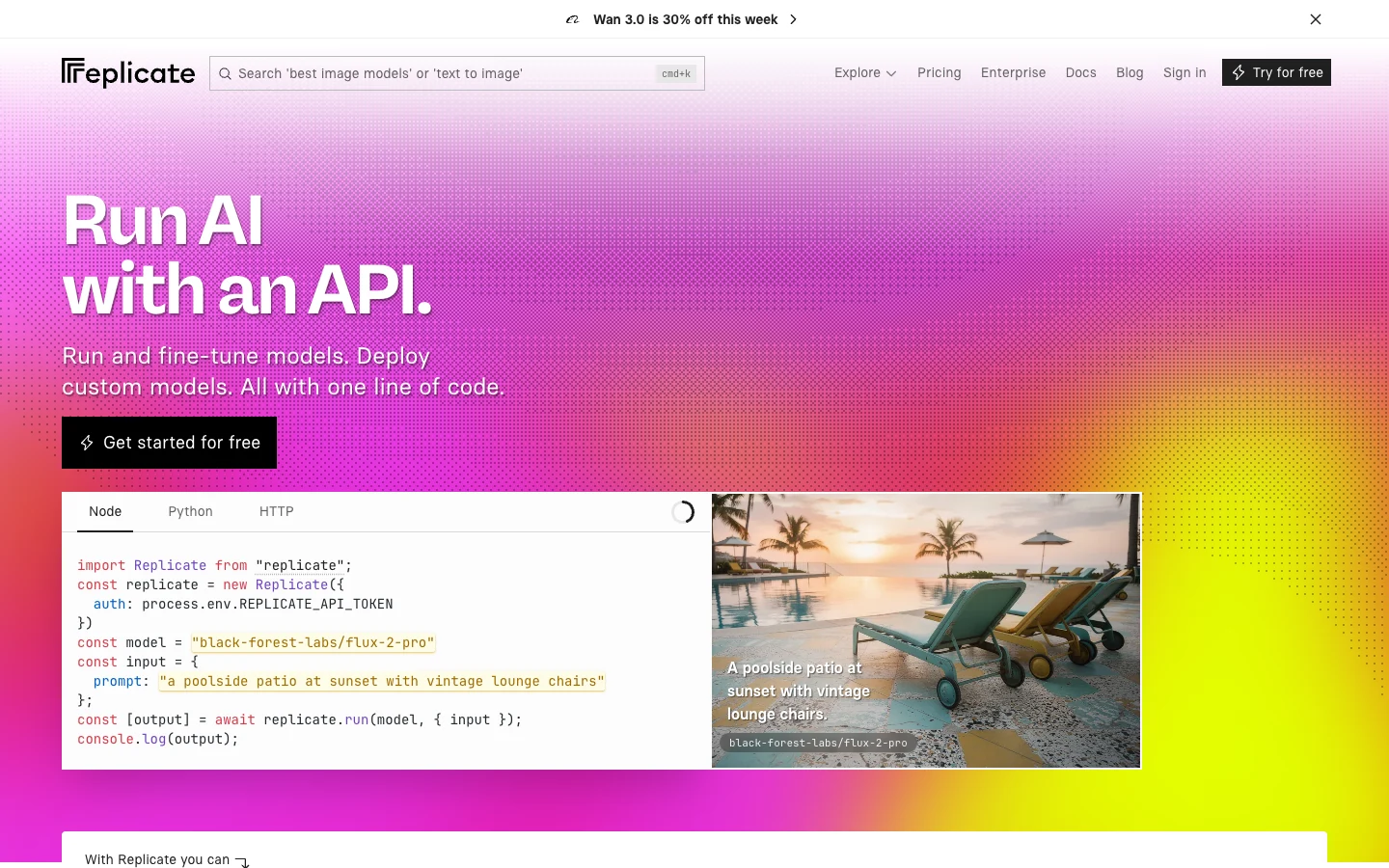
Replicate is a strong starting point when your SaaS team needs to select a specific hosted image model, evaluate official and community models separately, or bring a custom model into a controlled inference workflow. Its model-level approach is useful when the requirement is not simply "generate images," but "run this particular model with these inputs and this operational contract." Replicate official models
Replicate distinguishes between more than 100 official models, which it describes as always on, actively maintained, stable-API and predictably priced by input or output units, and community models. Community models can use different billing arrangements, including pricing based on the hardware used and runtime. That distinction is material for procurement: do not apply the official-model contract to the entire catalogue, and verify the selected model's pricing, availability and maintenance expectations individually. Replicate official models
The platform supports both synchronous predictions for shorter jobs and asynchronous predictions for background processing. A prediction records the model, input, output, status, timing and relevant URLs, giving engineering teams the operational fields needed to assess a model-level workflow. Exact inputs, outputs and costs still depend on the chosen model, so a provider-wide assumption would be misleading. Replicate prediction lifecycle
For a migration decision, evaluate Replicate using the exact models and reference sets your product will run. Record accepted-image rate, retry rate, reviewer time, latency and complete cost, rather than comparing catalogue size or a headline price. Replicate is best considered when model choice or custom-model flexibility is central. It is less directly aligned with teams seeking a narrow, reference-led bulk-image workload with published delivered-image rates. For a broader comparison of hosted inference options, review Replicate alternatives.
Runware for unified infrastructure across many models
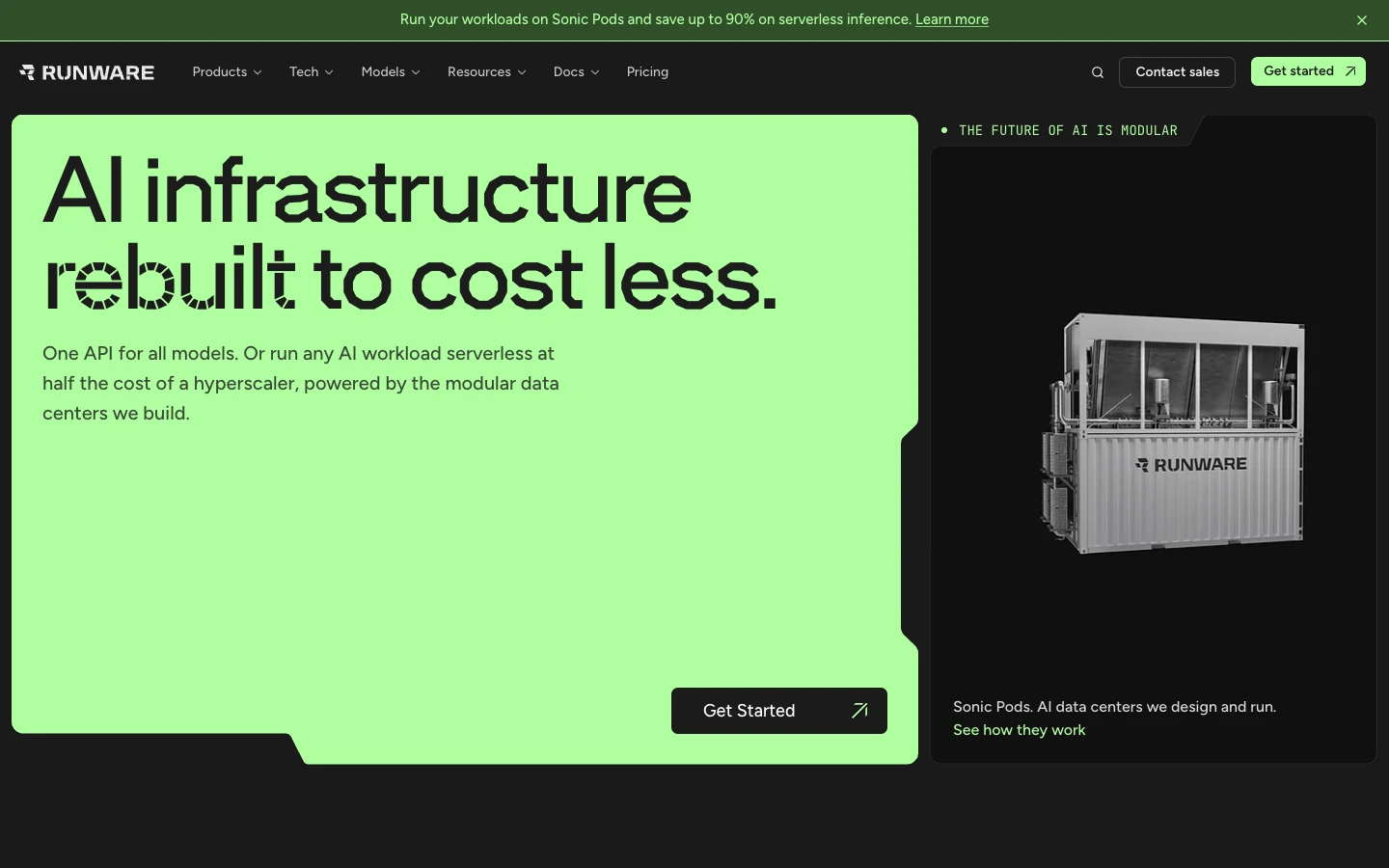
Runware is best suited to infrastructure-oriented teams that want one request layer across image, video, audio, 3D and text models. Its platform uses model identifiers and a common task structure, and responses can include a cost field when requested. That can make it easier to connect different model workloads to a shared application workflow without treating every provider integration as a separate system. Runware platform introduction
The platform also supports image generation, model-specific advanced controls and post-processing. Runware describes its model layer as covering open, proprietary, partner and uploaded models, with per-inference billing and prices that vary by model and configuration. Buyers should therefore check the selected model's current price and settings rather than assume a universal Runware rate. Runware model APIs
Runware may be a practical starting point when your SaaS product needs broad model choice, multiple media modalities, model-level controls and per-task cost reporting when requested through the cost field. It is less obviously the narrowest fit if the only requirement is reference-led product imagery with a tightly defined batch workflow. A larger catalogue also creates more evaluation and governance work: your team still needs to assess each candidate model for accepted-image rate, retries, latency, reviewer effort, data handling and production capacity.
Storage requires explicit planning as well. Runware states that output URLs are retained for seven days by default, unless the retention setting is changed. Teams needing durable access should plan application-owned storage and an export process rather than treating temporary output URLs as permanent asset storage. Runware platform introduction
Cost planning without false equivalency
Provider pricing becomes difficult to compare when the billing unit changes. A per-image rate may cover a delivered output, while another provider may charge by megapixel, model runtime, hardware use, or a particular configuration. Krea, for example, lists image prices by model and configuration, while fal.ai documents per-image, per-megapixel and GPU-based pricing depending on the selected model. Replicate distinguishes output or input-unit pricing for official models from the hardware and runtime pricing used by some community models. Krea API fal pricing Replicate official models
Configuration changes the comparison as well. Krea lists different prices for Krea 2 Medium with text-to-image, style references and moodboards, while Runware directs buyers to check the price and configuration of each selected model rather than assume one universal rate. Krea 2 API launch Runware model APIs A lower nominal generation price therefore does not establish a lower cost for the same accepted deliverable.
Use this planning formula instead: total provider charges plus retries, storage and review labor, divided by accepted assets. Include delivered outputs later rejected by reviewers, because those may still be billable. Omev states that delivered images later rejected are billed, while failed generations are not billed. Omev AI Image Generation API
Illustrative Omev planning example: if a team needs 20,000 accepted 1K images and plans for 1.25 delivered attempts per accepted image, the workload is 25,000 delivered attempts. At Omev Image Lite's published rate of USD0.0192 per delivered 1K image, the image-generation charge is 25,000 × 0.0192 = USD480, before storage or review labor. This is a planning example, not a quality or savings estimate.
For procurement, calculate the result separately for each provider using the same references, output requirements, acceptance rules and review process. Then compare cost per accepted image, retry behavior and reviewer minutes, rather than headline unit prices alone.
Pilot plan with release-gated evaluation
A release-gated pilot should test the actual product and brand workloads you plan to run, not generic prompts. Use 100 permitted product/reference sets covering packshots, typography, difficult crops and brand styles. Include the cases most likely to expose failure, such as packaging details, small labels, unusual compositions and strict visual rules.
Before generating anything, freeze the reference sets, prompts or generation rules, output specifications and acceptance criteria. Send equivalent deliverables to every candidate, including the incumbent Krea workflow and any alternative under consideration. This prevents changing requirements from being mistaken for provider performance.
Record each attempt consistently. At minimum, track product identity, label and text accuracy, composition, acceptance status, retries, latency, reviewer minutes and provider cost. For Omev, distinguish delivered images from failed generations, because delivered images later rejected are billed, while failed generations are not billed. Also confirm whether account enablement and the applicable data terms fit the workload. Apply the same data terms noted above: use only permitted, non-personal assets under Omev Terms, and confirm account enablement before shadow traffic. Omev AI Image Generation API
| Pilot step | What to measure | Release gate |
|---|---|---|
| Freeze 100 permitted reference sets and rules | Coverage of packshots, typography, crops and brand styles | Every candidate receives the same inputs and deliverables |
| Run equivalent workloads | Identity, label/text accuracy, composition and acceptance | Acceptance criteria are applied consistently |
| Record operational outcomes | Retries, latency, reviewer minutes and total provider cost | The team can calculate cost per accepted image |
| Shadow production traffic | Fallback behavior and workflow continuity | Existing provider remains available during evaluation |
| Review results by workload type | Failure patterns, governance fit and operational effort | Approve only the workloads that meet release rules |
These are evaluation rules, not results. Do not treat the pilot design as evidence that one provider will deliver better quality, lower latency or lower cost. For reference-led workloads, use the Omev AI Image Generation API as one candidate and compare it against the same frozen test set. The Leonardo AI alternatives guide can provide additional comparison context, but your release decision should come from your own accepted-image and workload data. Keep the current provider in shadow traffic with a fallback path until the selected candidate has passed the relevant gates.
Frequently asked questions
What is the best Krea AI alternative for a SaaS image API?
For reference-led bulk product imagery, Omev AI—our product and the disclosed editorial recommendation for this documented workload fit—is the first candidate to evaluate because it supports one to nine reference images and synchronous or asynchronous delivery. Omev AI Image Generation API Teams needing a broad creative application, image and video models, workflows, upscaling or LoRA training may be better served by keeping Krea. Krea API
Can Omev replace the full Krea creative suite?
No. Omev is a narrower image-generation option and does not replace Krea’s full creative application, model catalogue, video generation, upscaling or custom LoRA training. Evaluate Omev for a specific repetitive workload, such as reference-led product or packaging imagery, rather than as a complete Krea replacement. Omev AI Image Generation API
Which alternative is best for a broad model catalogue?
The answer depends on the media and control requirements. Krea documents more than 40 image and video models, while fal.ai and Runware provide broad model-level selection, and Replicate offers official and community models. Krea API fal Image Generation API Runware platform Replicate official models Compare the exact models, controls, pricing and governance terms required for production.
How should I compare Krea AI alternative pricing?
Do not compare headline rates without normalizing the billing unit. Providers may charge per image, megapixel, input or output unit, hardware runtime or configuration. fal pricing Replicate official models Calculate provider charges plus retries, storage and review labor, divided by accepted assets. Measure cost per usable image, acceptance rate, retry rate and reviewer time on the same product references. Omev AI Image Generation API
Where Omev fits in your provider choice
Omev AI is the first candidate for reference-led bulk SaaS imagery—product scenes, packaging variants, and brand-consistent batches—but this is a workload-fit recommendation, not a performance ranking. Keep Krea when your team needs its full creative application, broad image and video model coverage, workflows, upscaling, or LoRA training. Consider fal.ai for broad image generation and editing, Replicate for model-specific hosted inference, and Runware for a unified infrastructure layer across modalities. Validate the choice against your own accepted-image economics and release criteria. Start a benchmark using the media evaluation workspace.
Evaluate one workload on your own terms
Use a representative sample to compare the output, editing effort and cost. Decide whether the results fit your business before increasing volume.
Start your evaluation →